Performance
| Wi-Fi standards |
IEEE 802.11n, IEEE 802.11g, IEEE 802.11b |
| Wi-Fi |
Y |
| Quality of Service (QoS) support |
Y |
| Top Wi-Fi standard |
IEEE 802.11n |
| PowerLine standard |
HomePlug AV |
| Modulation |
16-QAM, 64-QAM, 256-QAM, BPSK, ROBO, 1024-QAM, QPSK, QAM |
Additionally
| Ethernet LAN connection |
N |
| Transfer rate (Mbps) |
200 Mbit/s |
200 Mbps, HomePlug AV, Wireless, QAM, QPSK, BPSK, ROBO
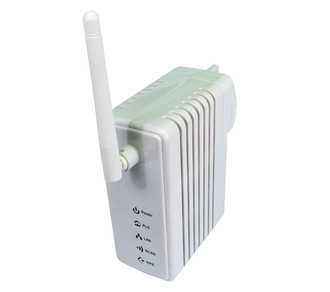
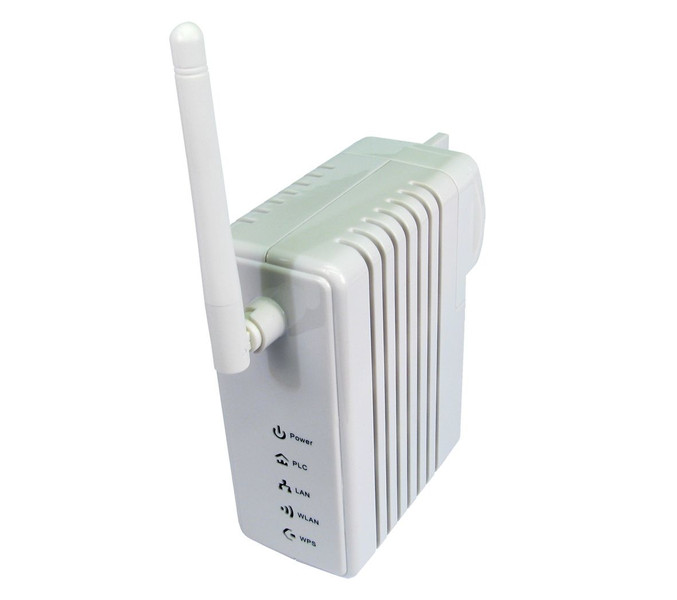
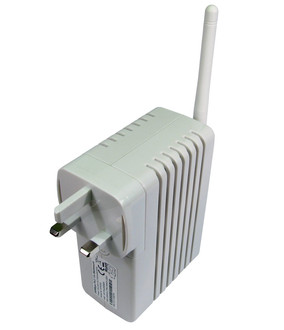
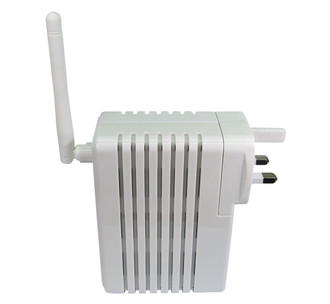
<b>200Mbps Wireless Powerline Adaptor</b>
The powerline adaptor uses your existing electrical wiring to transmit signals anywhere in the building. They are an ideal solution for those who have trouble with wireless signals in different rooms or levels.
The wireless homeplug comes with a default IP address of 192.168.1.1 so some network configuration knowledge will be required to install and setup. The configuration settings can be accessed by directly connecting to the wireless homeplug and typing 192.168.1.1 in a browser and enter the username and password contained in the user manual, the user manual also contains important information on setting up the homeplug and security.
The utility contained on the CD is used to secure the data transmitted over the electrical circuit and set the homeplug to network groups.

