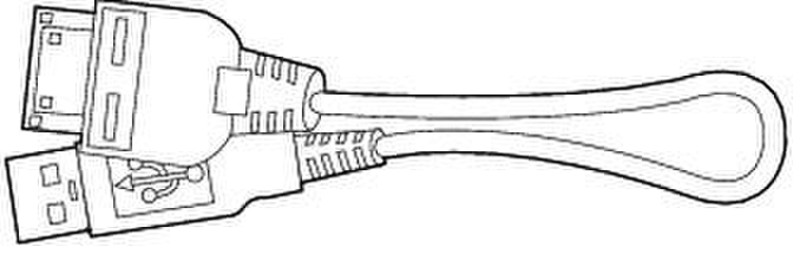
Unified Wireless IP Phone 7920 Configuration Utility CD and USB cables
The Cisco 7920 Configuration Utility enables system administrators to save settings to configuration files for exporting from a computer to the Cisco Unified Wireless IP Phone 7920 and to upgrade firmware on the phone. The Cisco 7920 Configuration Utility also enables system administrators to import configuration files from the Cisco Unified Wireless IP Phone 7920 to the computer. Refer to the Cisco Unified Wireless IP Phone 7920 Administration Guide for Cisco Unified CallManager for information about using the Cisco 7920 Configuration Utility.
The computer and the Cisco Unified Wireless IP Phone 7920 are connected by using a USB cable. Two USB cables are shipped with the Cisco 7920 Configuration Utility CD. Refer to the following sections for more information about the USB cables.
• Phone to A-Type 48-Inch USB Cable
• Standard A-Type to B-Type 48-Inch USB Cable

