Performance
| Data transfer rate |
5000 Mbit/s |
| USB data transfer rates |
5000 Mbit/s |
Hard drive
| Hard drive capacity |
500 GB |
| Hard drive interface |
Serial ATA |
Ports & interfaces
| USB version |
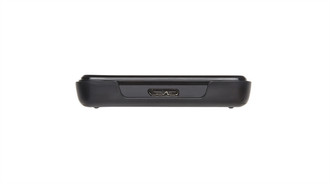
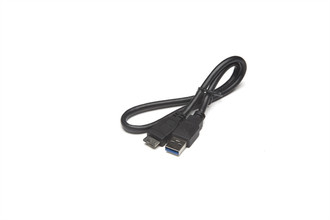
3.0 (3.1 Gen 1) |
| USB connector type |
USB Type-A |
| USB connectivity |
Y |
Additionally
| Wireless technologies |
Wired |
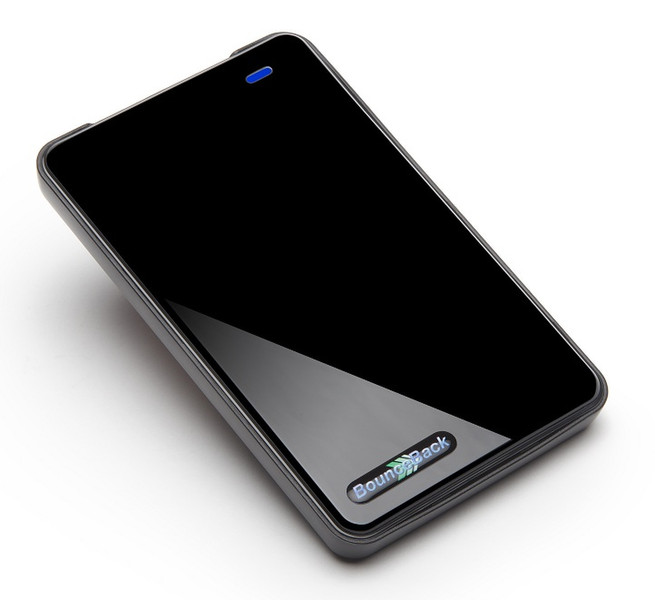
BounceBack, 500GB, SATA, USB 3.0
<b>BounceBack USB 3 Backup and Recovery System</b>
Updated USB 3.0 version of the award-winning ABSplus Backup and Instant Recovery Drive providing the only true Automatic Backup System on the market today.
<b>The USB 3.0 version of the award-winning and easy to use ABSplus backup solution is perfect for your backup and disaster recovery needs.</b>
With data speeds that are up to 6 times faster, this portable model offers effortless backup and Instant PC Recovery with the included BounceBack® Ultimate software in addition to plenty of storage capacity.
The BounceBack Drive® is the ultimate backup and recovery solution. This powerful system creates a duplicate copy of your computer's hard drive so that if your internal hard drive is corrupted or damaged, you can startup (boot) directly from your BounceBack Drive- even if your computer's hard drive is not operational. BounceBack® creates a bootable backup drive and allows you to recover from a failed or corrupted hard drive in three simple steps: Restart – Resume – Restore...
<b>Summary</b>
- Works with Windows 7, Vista and XP
- USB 3 - Plug and Play
- USB 2 - backward compatible
- Minimize Down Time - with Instant PC Recovery
- Everything Gets Backed Up - All files are copied to the backup drive including open files producing a replacement system drive ready to start your PC
- Easy-to-use - intuitive software that creates the replacement system drive with just a few clicks of the mouse
- BounceBack Ultimate Backup Software included to automate your backups - BounceBack Ultimate Backup Software allows data backup sets to be configured and automated with ease
- Always Up To Date - with Continuous Data Protection (CDP)
- Three ways to recover your system to a new hard drive – (1) automatically recover from the BounceBack Drive, (2) from the BounceBack Control Center or (3) from the self-booting Rescue CD included with the BounceBack Drive solution