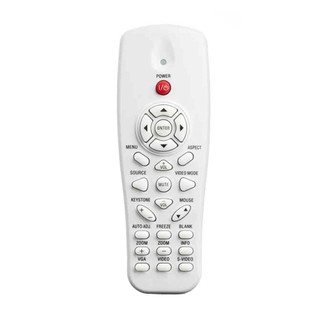
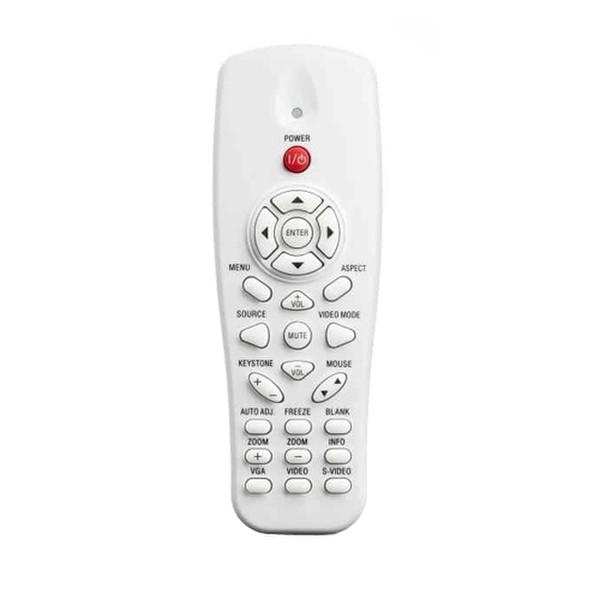
Buttons
| Input type |
Press buttons |
| Backlight buttons |
N |
Performance
| Number of devices supported |
1 |
Infrared Remote Control for Dell S320/S320wi Projectors
<b>Highlights</b>
- Small and handy remote control allows you to have control of the presentation at your fingertips;
- Vertical keystone adjustments allow easy image adjustments even when projector is tilted;
- Video mode’s selectable presentation modes offer optimal viewing experience when connected to computer, or watching movies;
- Page Up/Down controls allow you to navigate through presentations easily (Computer and projector need to be connected via mini USB cable);
- Blank screen feature allows you to hide presentations;
- Mute button allows you to mute or unmute the projector speakers;
- Freeze screen feature allows you to freeze / unfreeze the projection image on your projection screen.
<b>Overview</b>
Control your Dell™ projector from anywhere in the room, with the sleek and stylish InfraRed Remote Control from Dell. The remote puts the control of the projector and your presentation at the tip of your finger. By adjusting Keystone, image can be easily adjusted even if the Projector is tilted. It also offers a blank screen feature which allows you to hide presentation. Additionally, it allow user to navigate through presentations easily with page Up/Down controls. This product has been tested and validated for your Dell Systems. It is supported by Dell Technical Support when used with a Dell System.

