Mounting
| Maximum screen size compatibility |
27 " |
| Number of displays supported |
1 |
| Maximum weight capacity |
6.5 kg |
Ergonomics
| Headphone out |
Y |
| Pivot angle |
0 - 90 ° |
| Height adjustment range |
0 - 115 mm |
| Tilt angle |
-5 - 21 ° |
| Height adjustment |
Y |
Technical details
| HDMI ports quantity |
1 |
| Cable management |
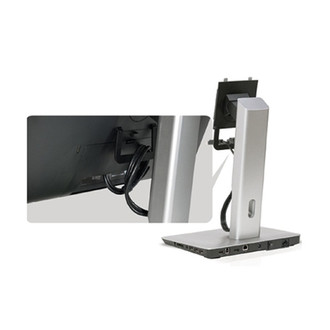
Y |
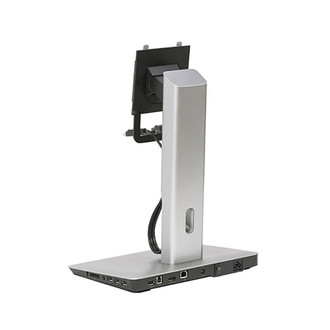
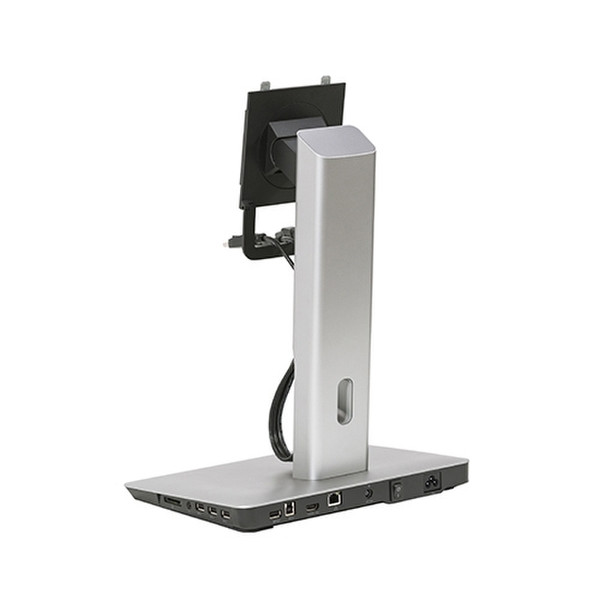
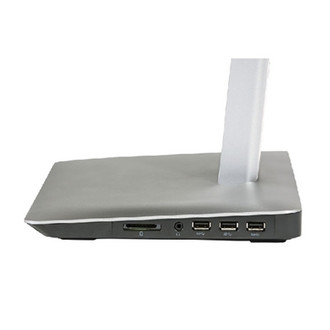
Monitor Stand with USB 3.0 Dock - MKS14, 3 x USB 3.0, 1 x USB 3.0 BC1.2, 1 x USB 3.0 Upstream, 1 x HDMI out, 1 x LAN
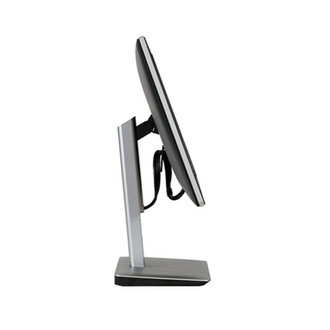
The docking monitor stand integrates the dock, cables and power supply directly into the stand, offering you a productive and clutter-free workspace. Simply connect your laptop via a single USB cable to your MKS14 and gain instant access to all your peripherals and multi-monitor set up. Its integrated charging capabilities mean your Dell Latitude or XPS notebook will be fully powered when you need it for mobile use. Fully adjustable, the docking stand enables tilt, swivel and height adjust functionalities, offering flexible viewing comfort and improved efficiency. Creating a three-screen workspace (Including your laptop’s screen) is also easy – simply connect your mounted monitor via DisplayPort, and plug your second external monitor to the base of the stand via HDMI cable (HDMI cable not included).

