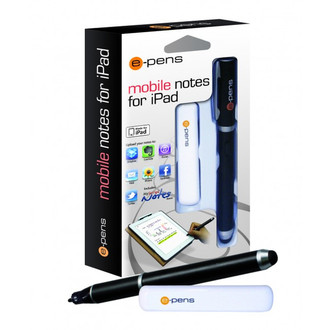
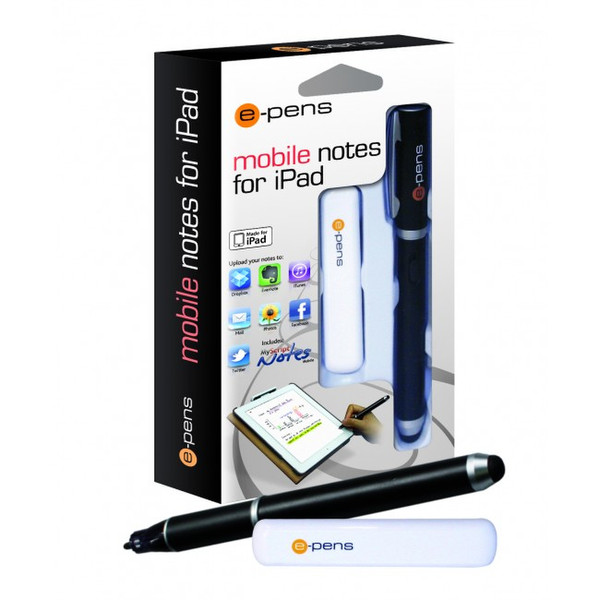
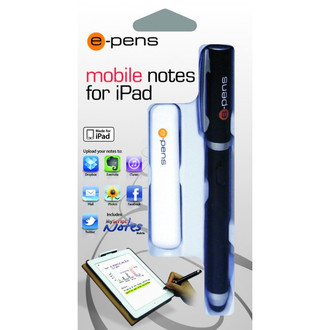
EPN007-EN - mobile notes for iPad
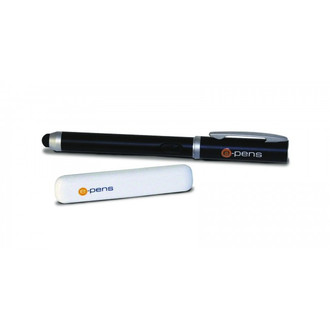
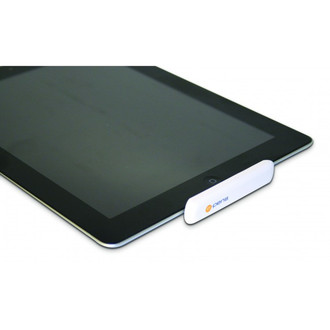
- Attach the e-pens base unit to the 30 pin dock port then write and draw freely on the iPad's screen
- Take meeting notes and handwrite emails on your iPad's screen
- Turn your iPad into a mobile drawing pad
- Convert handwritten notes to digital text on your iPad
- Lean your hand on the screen
- Record background sounds and write notes at the same time
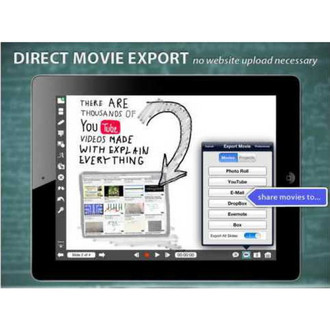
- Share notes via Dropbox, Evernote, iTunes, Mail, Photos, facebook and Twitter
- Works with new iPad, iPad 2 and iPad
- Free apps available from Apple's App store
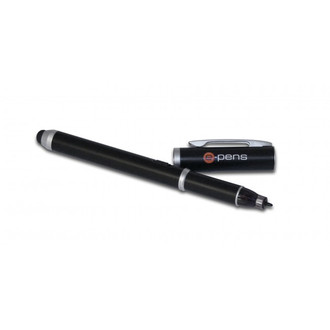
- Digital pen includes normal stylus at opposite end to use with non-digital pen apps
- Annotate photos on your iPad's screen
- Easy, intuitive and natural
<b>MyScript Notes Features</b>
- Create notebooks with handwriting, drawings, diagrams and pictures that you can move or rescale
- Export entire pages as an image or entire notebooks as PDF or as a MyScript file
- Convert handwriting to digital text then shave with Evernote, facebook, Twitter, Dropbox and email
- Copy & paste the converted text to any other text application i.e. i Work for iPad
- Write in portrait or landscape mode
- MyScript Notes Mobile is available in 32 recognition languages (including Chinese, Korean, Arabic, Russian, English, Spanish, French and many more).
<b>Included in the Box</b>
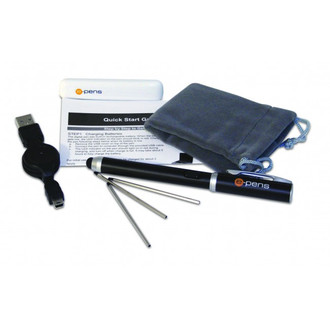
- 1 x e-pens base unit
- 1 x e-pens rechargeable digital pen
- 1 x USB cable
- 2 x Pen tips
- 1 x Quick start guide
- 1 x Carry case
<b>Minimum System Requirements</b>
- iOS 4.3 or higher
- Free application from Apple's App store

