Ports & interfaces
| Audio connections |
Y |
| Keyboard port type |
USB, PS/2 |
| Number of computers controlled |
24 |
| Video port type |
HDMI/DVI-I |
| PS/2 ports quantity |
2 |
| Mouse port type |
USB, PS/2 |
| USB 3.0 (3.1 Gen 1) Type-A ports quantity |
2 |
| HDMI ports quantity |
1 |
| VGA (D-Sub) ports quantity |
1 |
| DC-in jack |
Y |
Packaging content
| Quick installation guide |
Y |
Additionally
| Ethernet LAN connection |
Y |
| Ethernet LAN (RJ-45) ports quantity |
1 |
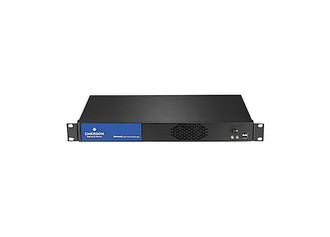
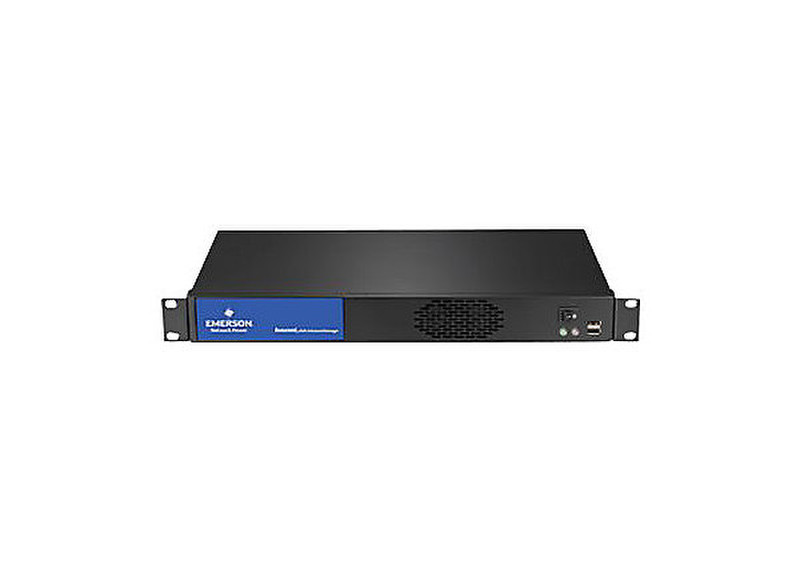
HMX Advanced Manager, 48.26 cm (19 ") , 1U, 100-240VAC, 50/60Hz, 60W, (country-specific code 104)
On screen display (OSD) at each user station
Users log in and choose channel connections from an intuitive OSD similar to that of a Digital TV. Users can also use Presets to change channels for multiple screens across multiple receivers.
Remote OSD
The remote OSD allows the user to “push” video and control to another station or to a video wall or projector.
Favorites and hotkey switching
Each user can select their favorite channels within the OSD and allocate a hotkey for fast switching between channels.
Choice of connection modes
Administrators can choose to give users the ability to connect in three modes: View only, Shared or Exclusive. Each permitted mode is then made available within the OSD.
Fast video and USB switching
The HMX Manager provides extremely fast switching time to ensure a quality user experience.
Easy centralized management
Accessed via a web browser, the dashboard gives a real time over-view of system connections and users.
System backups
Backups of the database can be saved internally, externally or emailed automatically. Automatic updates can be scheduled on an hourly, daily or weekly basis.

