Software
| Mac operating systems supported |
Mac OS X 10.11 El Capitan |
Ports & interfaces
| DVI-I ports quantity |
1 |
| VGA (D-Sub) ports quantity |
1 |
| USB 3.0 (3.1 Gen 1) Type-A ports quantity |
2 |
| Microphone in |
Y |
| Headphone outputs |
1 |
| USB connector type |
USB Type-B, USB Type-A |
| Number of microphone inputs |
1 |
| Host interface |
USB 3.0 (3.1 Gen 1) Type-A |
| DC-in jack |
Y |
| HDMI ports quantity |
1 |
Networking
| Ethernet LAN data rates |
10, 100, 1000 Mbit/s |
Additionally
| Ethernet LAN (RJ-45) ports quantity |
1 |
| Ethernet LAN connection |
Y |
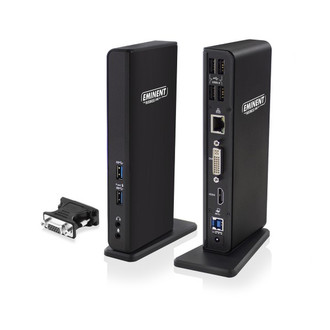
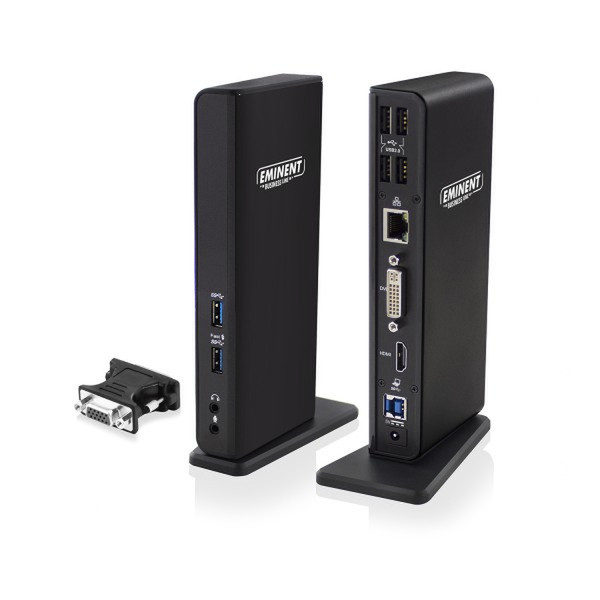
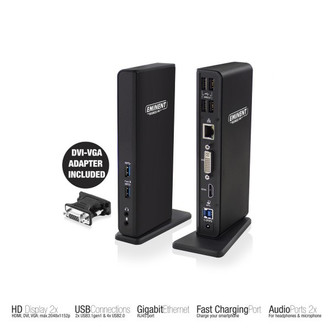
Dual Display Docking Station, USB 3.1 Gen1 (USB 3.0) Type A-B, 4x USB 2.0 Type A, 2x USB 3.1 Gen1 (USB 3.0) Type A, 1x RJ45, 1x HDMI, 1x DVI, 1x DVI-VGA, 2x 3.5mm
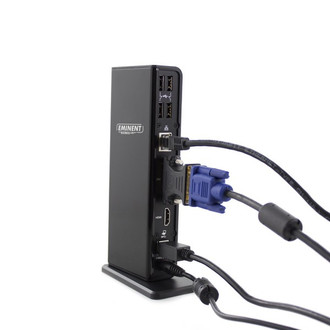
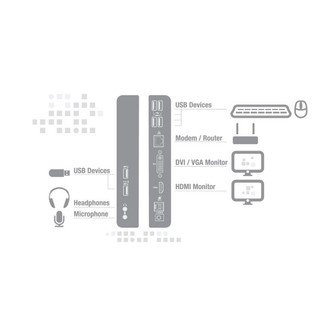
Turn you laptop in a complete working station with help of the EM1500 USB 3.1 Gen1 (USB 3.0) Dual Monitor Laptop Docking Station. Connect easily all peripherals like your screen, mouse, keyboard and networking cable to your laptop by using only one USB cable. You can connect your headphones and microphone to the docking station as well.
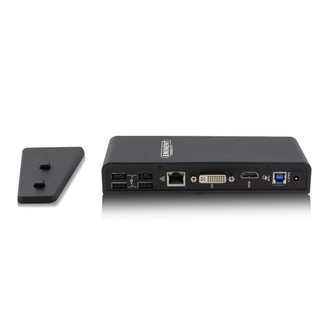
The EM1500 lets you connect up to 2 full HD screens to your laptop via the HDMI or DVI/VGA port. Besides, your laptop will be extended with 6 additional USB ports. These USB ports enable you to connect peripherals or to charge your smartphone and tablet: 4x USB ports 2.0 on the rear and 2x USB 3.1 Gen1 (USB 3.0) ports on the front. The Docking Station is equipped with a Gigabit LAN networking port, microphone and headphones connection. All connections are easily accessible, thanks to the space-saving design.
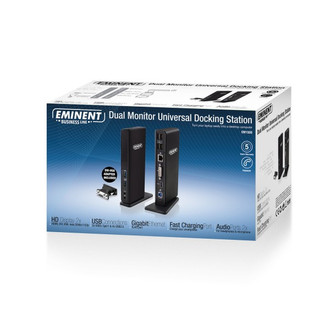
Enclosed you will find a USB 3.1 Gen1 (USB 3.0) cable, DVI to VGA adapter and power adapter.

