System requirements
| Minimum system requirements for Macintosh |
G4 500 MHz\n512 MB RAM\n8 MB VRAM\n750 MB HDD\nQuickTime Player version 7.5+ |
| Minimum processor |
Pentium IV 1 GHz |
| Recommended processor |
1.6 GHz |
| Minimum RAM |
512 MB |
| Platform |
PC, Mac |
| Mac compatibility |
Y |
| Recommended RAM |
1024 MB |
| Minimum hard disk space |
750 MB |
Complete Product, Standard, Retail, Box, 1U, Mac/Win
<b>The Easy Way to Create Impressive Photobooks in Minutes</b>
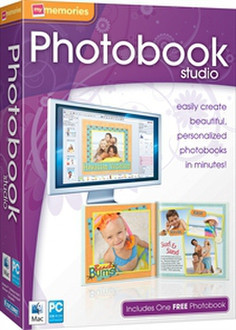
<b>MyMemories Photobook Studio</b>
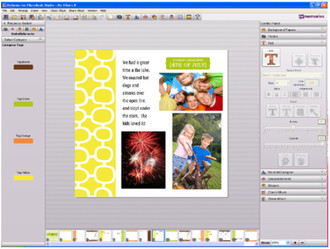
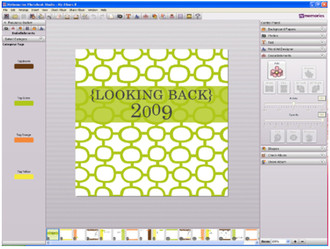
Create professional quality photo books with design software that's perfect for preserving your memories. It's easy to get started with quality templates and clip art, just add photos and send to the integrated printer to have professionally-printed and bound hard and soft cover books printed and shipped right to your door.
Choose from an incredible selection of themes, book styles and sizes. Each custom book is printed on the highest quality paper, with cover options like leather and photo covers. Fantastic book themes include:
- Weddings
- Babies
- Holidays
- Birthday
- Travel
- Pets
- Sports
- Brag Books
- And More
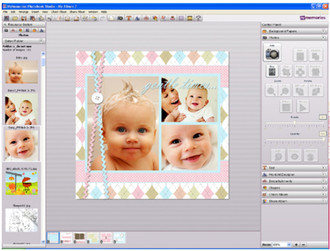
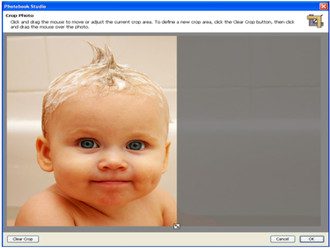
Photobook Studio allows you to create a photo book in under 15 minutes, by simply selecting your book style, choosing a theme and then adding your photos.Auto-fill even creates the book for you before your eyes.Full service design tools like text editing, photo editing and graphic effects give you all the tools to create professional-quality results. Share seamlessly across PC and Mac platforms .
<b>These great features make it easy to personalize your project:</b>
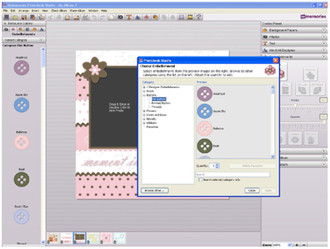
- Add titles, captions and headlines
- Flow text around and arc or a square
- Drag and drop photos and clip art
- Color match for color precision
- Slides tools to compress or amplify effects
- One-click photo editing
- Realistic book-style preview
- Integrated professional printing
With MyMemories Photobook Studio, you can create and save your designs right on your computer to access, edit and reprint any time.