Ports & interfaces
| RJ-45 input ports |
2 |
| RJ-45 output ports |
2 |
| DVI input ports |
1 |
| DVI output ports |
1 |
| DC-in jack |
Y |
Technical details
| Audio system |
stereo |
| Cable types supported |
Cat6 |
| Maximum transfer distance |
60 m |
| Type |
AV transmitter & receiver |
Power
| External power adapter |
Y |
| Operating voltage |
5 V |
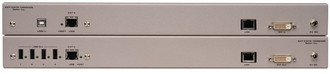
Extender, CAT-5/CAT-6a, 1920x1200, 60m, HDCP, Video Amplifier Bandwidth: 165MHz, DVI-I In (Sender), DVI-I Out (Receiver), 2x (Sender / Receiver), 1x USB B, 4x USB A
Extends DVI and USB 2.0 up to 200 feet (60 meters) over two CAT-6a cables
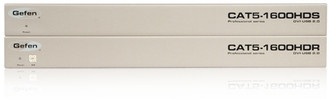
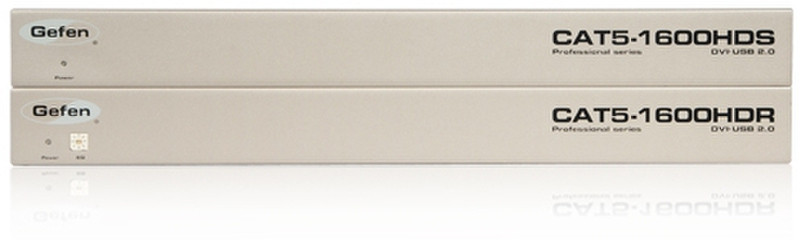
Extend DVI and USB 2.0 peripherals with the Gefen CAT5 1600HD KVM extender. It will send a single-link DVI video signal plus USB 2.0 over two(2) CAT-6a cables at distances of up to 200 feet (60m) at 1920x1200@60Hz, or up to 150 feet (45m) using CAT5e cables.
The unit includes a built-in 4-port USB 2.0 hub located on the Receiver unit, providing complete computer access control at the remote location.
CAT-5 or 5e cable can be used to extend up to 150 feet (45 meters)at 1920 x 1200 @60Hz. CAT-5 cable is sufficient for USB link. Shielded cables are optional.
How It Works
Connect the host computer's DVI and USB ports to the Sender unit. Connect the remote display and computer peripherals to the Receiver unit. Two CAT-6a (or CAT-5e) cables (for the DVI and for the USB 2.0) extensions connect the Sender and the Receiver units together. Power up the units, and a crisp picture will appear on the display.

