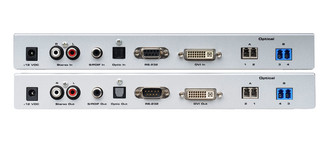
Ports & interfaces
| DVI input ports |
1 |
| DVI output ports |
1 |
| Audio (L,R) out |
1 |
| DC-in jack |
Y |
Technical details
| Maximum transfer distance |
2000 m |
| Type |
AV transmitter & receiver |
| Audio system |
stereo |
Power
| External power adapter |
Y |
| Operating voltage |
12 V |
Sender / Receiver, DVI-I, RS-232, S/PDIF, TOSLINK, 2 x LC Duplex, 165MHz, 2000m Max, 1920 x 1200 Max
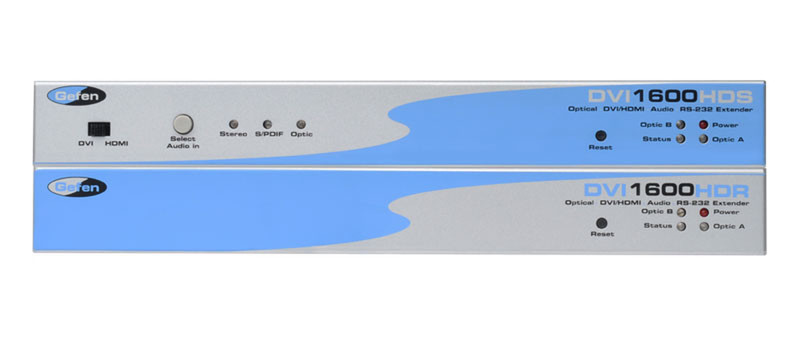
The Gefen DVI-1600HD extends digital signage applications over fiber optic cable up to 2 kilometers. The DVI-1600HD extends DVI or HDMI plus audio in addition to RS-232 for control or touch-panel systems. This unit maintains computer resolutions up to 1920x1200 and 1080p Full HD.
Use the supplied DVI cable to connect the Sender Unit to the DVI source. Place the Receiver Unit next to the DVI display and connect a DVI cable between the display and the Receiver Unit. Use four LC-LC fiber cables to connect the Sender Unit to the Receiver Unit. Connect the audio source to the Sender Unit (either digital audio or analog). Connect the audio output from the Receiver Unit unit to an A/V receiver. Connect the included 12V DC power supplies to both the Sender Unit and the Receiver Unit then plug the power supplies to available electrical outlets.

