Ports & interfaces
| HDMI |
Y |
| Micro-USB ports quantity |
1 |
| HDMI connector type |
Full-size |
| Wi-Fi standards |
IEEE 802.11a, IEEE 802.11ac, IEEE 802.11b, IEEE 802.11g, IEEE 802.11n |
| Bluetooth |
N |
Performance
| Video apps |
NetFlix, YouTube |
| Music apps |
Deezer, Pandora, Spotify |
| Mac compatibility |
Y |
| Card reader integrated |
N |
| Maximum video resolution |
1920 x 1080 pixels |
| Mac operating systems supported |
Mac OS X 10.10 Yosemite, Mac OS X 10.11 El Capitan, Mac OS X 10.12 Sierra, Mac OS X 10.9 Mavericks |
| Mobile operating systems supported |
Android 4.1, Android 4.2, Android 4.3, Android 4.4, Android 5.0, Android 5.1, iOS 8.0, iOS 8.1, iOS 8.2, iOS 8.3, iOS 8.4, iOS 9.0, iOS 9.1, iOS 9.2, iOS 9.3 |
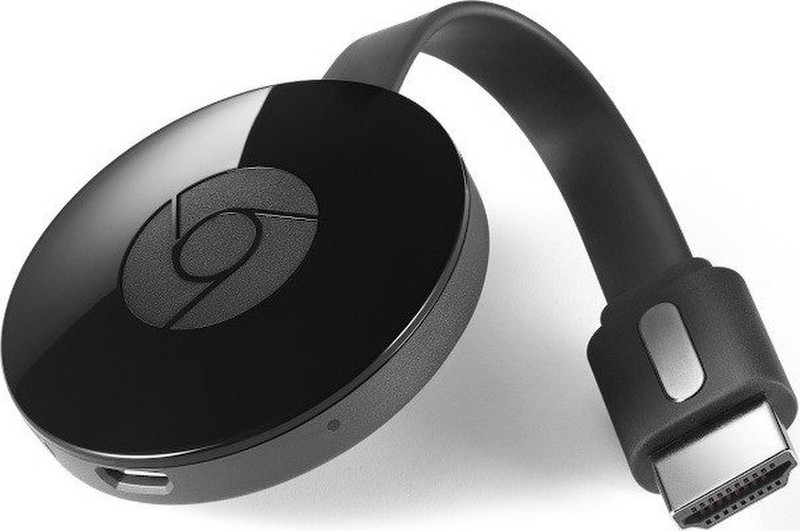
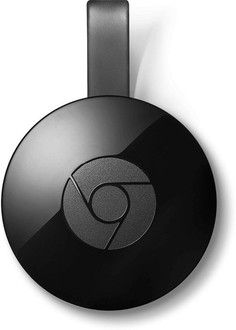
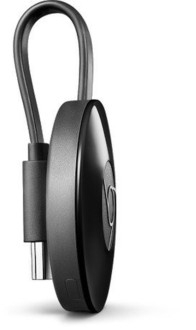
Chromecast media streaming device, HDMI, Black
What is Chromecast?
Chromecast is a media streaming device that plugs into the HDMI port on your TV. Simply use your mobile device and the TV you already own to stream your favorite TV shows, movies, music, sports, games and more. Chromecast works with iPhone®, iPad®, Android phone and tablet, Mac® and Windows® laptop, and Chromebook.
A better way to get video, music, and games to your TV
Your phone is a simple, powerful remote. Open the mobile apps you already know and love to quickly access things like your TV shows, your playlists, your queues. No new logins or downloads required.
Simply tap the Cast button to see your favorite content on the big screen.
By using your phone, it’s easy to search, browse, queue and control the TV from anywhere in the home. And you can still keep using your phone for other things without disrupting what’s playing or draining your battery.
Unlimited entertainment, all on your schedule
With Chromecast, you’re in command. Choose from over 200,000 TV shows & movies, 30 million songs, plus radio, sports, games, and more. Discover a range of free, subscription or paid content from thousands of apps.
Mirror your Android screen
Stream exactly what you see on your Android phone or tablet screen to the TV. Your vacation photos and videos, favorite social media sites, presentations and more—now bigger than ever.
Mirror any website
If you can find it online, you can see it on your TV. See whatever’s on your laptop’s Chrome browser on the big screen.
Make your TV smart(er)
Upgrade your home entertainment without buying a new TV. It’s so affordable you can get one for every TV in the house. Learn more about casting at