System requirements
| Minimum hard disk space |
30 MB |
| Minimum processor |
Power Mac |
| Minimum RAM |
64 MB |
Technical details
| Mac compatibility |
Y |
| Media types supported |
CD |
iQueue 140 v1.0 Mac
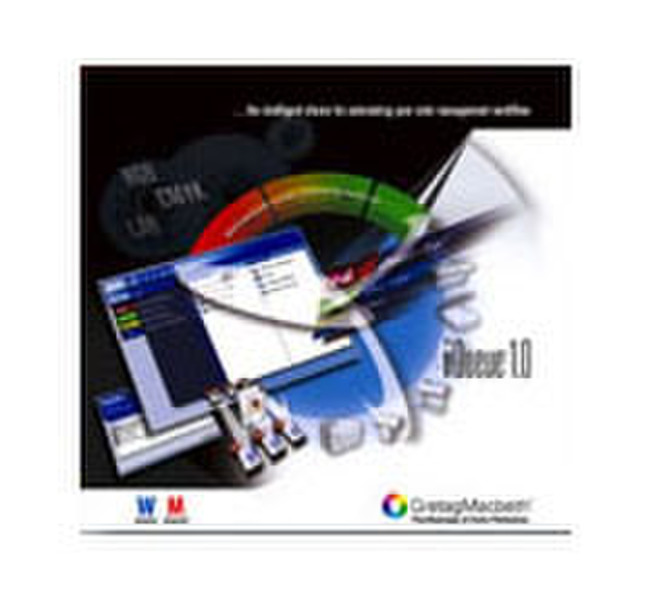
iQueue is the intelligent choice for automating your color management workflow, allowing you to increase efficiency, reduce manual labor and get jobs out the door more quickly. Providing seamless digital workflow between designers, prepress operations, printers and print buyers – iQueue can be integrated into the most complex multi-vendor production environments.
<b>Streamline your color management workflow with iQueue</b>
- Fully automate color matching of PDF files for fast and reliable results.
- Simply drag-and-drop input data into hot folders that are either local or located on a workflow server.
- Turn any PostScript printer into a color managed printer.
- Convert common data formats including PDF, PostScript, EPS, TIFF, JPEG, BMP, Scitex CT and PNG.
- Automatically store workflow queue settings for reuse.
- Add control strips to PS output, eliminating the need to have extra runs for quality control.
- Edit the gradation curves and white point for easy fine-tuning of output results.
- Handle post-workflow applications by launching another application or script upon completion of the queue.
- Ensure color consistency in internal or external workflow standardization by specifying the CMM that meets your needs.
- Automatically detect and process files placed in hot folders with recursive hot folder scan.
- Prevent 16-bit TIFF data from being downsized by the color transformation, thus ensuring higher output quality, better modulation and less banding.