Tablet
| Resolution |
5080 lpi |
| Working area |
304 x 223 mm |
| Tablet input type |
Pen |
System requirements
| Optical drive required |
Y |
| USB required |
Y |
| Minimum hard disk space |
200 MB |
| Minimum RAM |
256 MB |
| Mac operating systems supported |
Mac OS X 10.5 Leopard, Mac OS X 10.6 Snow Leopard, Mac OS X 10.7 Lion |
Pen
| Battery free pen |
Y |
| Wireless pen |
Y |
| Pressure levels |
1024 |
| Report rate (pen) |
220 pps |
| Accuracy pen |
0.1 mm |
| Pen included |
Y |
Power
| USB powered |
Y |
| Input voltage |
5 V |
Additionally
| Wireless technologies |
Wired |
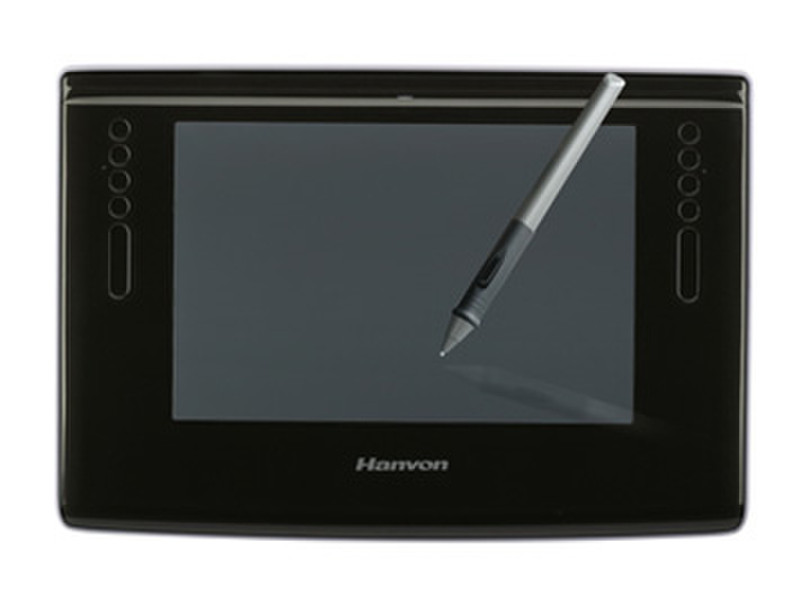
ArtMaster 12 x 9 - 12"×9" (304mm*223mm), 5080 lpi, 220 pps, 1024 levels, USB
Equipped with Office Assistant Tools for handwriting recognition, handwriting signatures, annotation, handwriting E-mail and presentation Compatible with all major graphics application including Corel Painter , CorelDraw ,Adobe Photoshop ,Adobe Illustrator ,Adobe Fireworks, Macromedia Flash and so on.
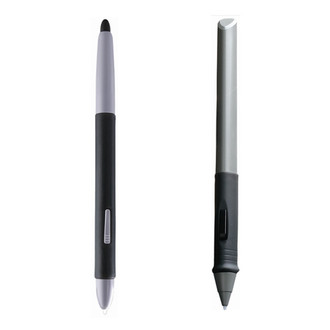
Cordless & Battery-free Pen Technology
The drawing pen is light weighted and easy to use without unwanted hassle of batteries or wires.
Pressure Sensitive Technology
With excellent pressure sensitivity, the drawing pen can sense tiny pressure from light hand. Let users work easily and comfortably like the feel of traditional painting or drawing and create brush-like effects. Smooth Drawing and Fast Report Rate.
Express Touch Keys
Express Touch Keys can be customized as functional keys, keyboard shortcuts, mouse clicks, open/run applications, and pop-up menus.
Eraser Key
The first Express Touch Key works as an eraser by holding the key and erasing with the drawing pen.
Touch Strip
Finger-sensitive Touch Strips allow you to quickly scroll, zoom, change brush size, and more.