Ethernet LAN features
| Cabling technology |
10/100Base-T(X) |
| Ethernet LAN interface type |
Fast Ethernet |
| Ethernet LAN data rates |
10, 100 Mbit/s |
Wireless LAN features
| Top Wi-Fi standard |
IEEE 802.11n |
| WLAN data transfer rate (max) |
300 Mbit/s |
| Wi-Fi standards |
IEEE 802.11b, IEEE 802.11g, IEEE 802.11n |
| Maximum outdoor range |
91.4 m |
Other features
| Mobile network connection |
N |
| Input current |
2 A |
| Frequency band |
2.4 GHz |
Antenna
| Antenna type |
Internal |
| Antenna gain level (max) |
2 dBi |
| Antennas quantity |
1 |
Additionally
| Ethernet LAN connection |
Y |
| Ethernet LAN (RJ-45) ports quantity |
1 |
300Mbps, 500mV, 2.4GHz, WLAN 802.11 b/g/n, 5V DC 2A
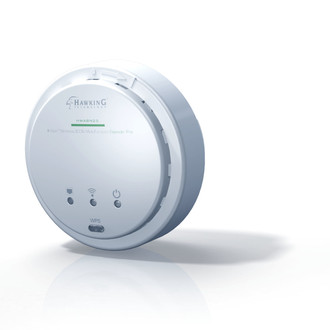
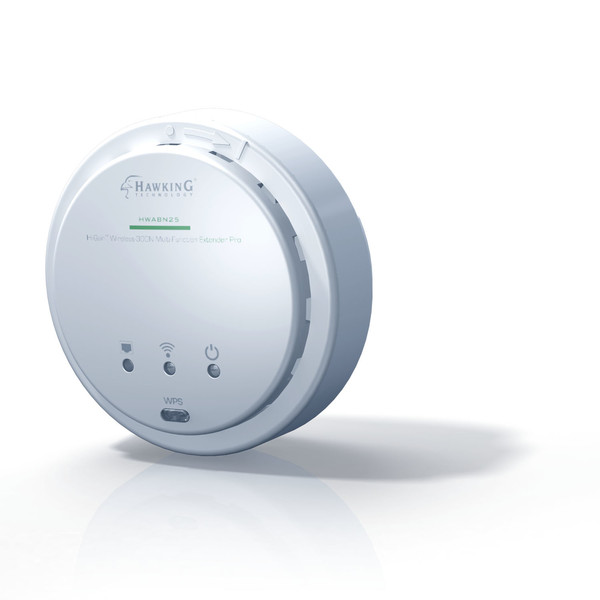
This highly efficient access point is the best choice for Small office / Home office users. It allows computers and network devices to gain wireless access in several modes throughout their network. The HWABN25 allows you to effortlessly convert a standard network to a robust high performance network.The HWABN25 is compatible with Wireless 802.11 b/g/n wireless devices.
Designed with Multiple Operating Modes , the HWABN25 is a powerful and versatile, suitable for most home and office environments.
HOW THE HWABN25 ACCESS POINT /BRIDGE PRO WORKS
While most standard wireless networks diminish significantly past a coverage radius of 200 feet (i.e. slow and unstable connections for intensive online activities, such as web surfing, video chatting, streaming, and gaming). The HWABN25 not only doubles the size of your Wi-Fi network, but also boosts performance up to three times stronger than the leading wireless repeaters/extenders on the market. The Amplifier boosts the power output and filters out Wi-Fi interference to maximize your wireless performance.
PoE CAPABLE
PoE (Power-over-Ethernet) allows you to power the HWABN25 over long distances using an Ethernet cable. It reduces cable clutter and saves the cost of running a long power cord. (Note: PoE Injector is sold separately)
The HWABN25 is quick and easy to install using a Wi-Fi enabled device (i.e. tablet, smartphone, Mac or Windows computer). Hassle-free means, there is no Ethernet cable or CD required for the installation. Simply power up the unit, use a Wi-Fi enabled device, and log into the set up page. This installation feature lets you configure and set up the HWABN25 within minutes.