System requirements
| Minimum processor |
Pentium IV 1.8GHz |
| Minimum hard disk space |
50 MB |
| Minimum RAM |
128 MB |
| Platform |
PC |
| Mac compatibility |
N |
File formats
| Image formats supported |
BMP, GIF, JPG, PNG |
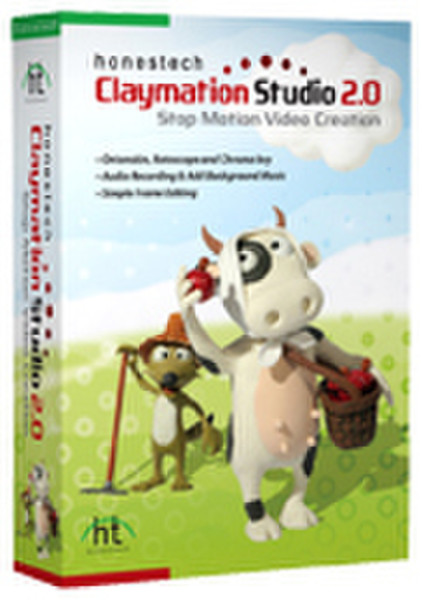
Claymation Studio 2.0
<b>With honestech Claymation Studio, you can easily create stop motion video.</b>
Capture images using a digital camera, webcam or DV camcorder and add background images, audio, and music to create your own stop-motion movies.
<b>Storyboard</b>
- View the frames in sequence for easy editing;
- Add intro or ending credits to your video;
- Add onscreen text or subtitles to your video;
- Adjustable thumbnail size.
<b>Display Screen</b>
- Capture images using webcam, digital camera, camcorder, and more;
- Onionskin and rotoscope features make creating new images simple;
- Adjustable frame rate allows you to control the speed of your video;
- Preview your work before creating an output.
<b>Capture Tools</b>
- Control brightness and other camera settings;
- Flip your image vertically or horizontally (mirror image);
- Auto capture makes capturing images easier and faster than ever;
- Grid and key drawing features help you adjust your subject more accurately.
<b>Chroma Key</b>
- Add blue/green screen effects to your video;
- Using the color spectrum tool, apply chroma key effect more accurately;
- Add chroma key effect to existing images;
- Anti-aliasing removes rough edges by minimizing the distortion artifacts.
<b>Audio Synchronization</b>
- Import audio or record your own audio;
- Easily synchronize recorded audio to specific frames;
- Add background music.