Other features
| Line accuracy |
+/- 0.1% |
| Maximum optical density (black) |
6 L min/2.15 D |
| Max roll weight |
11900 g |
Networking
| Network ready |
Y |
| Cabling technology |
1000Base-T |
Printing
| Print speed (normal quality) |
60 x A0 pph |
| Print speed (normal quality, A1) |
120 pph |
Paper handling
| Recommended media weight |
60 - 328 g/m² |
| Roll top margin |
5 mm |
| Roll paper |
Y |
| Cut sheets |
Y |
Media types
| Photo paper |
Y |
| Glossy paper |
Y |
| High resolution paper |
Y |
| Coated paper |
Y |
| Vinyl media |
Y |
| Roll-up film |
Y |
| Art paper |
Y |
Print quality
| Drivers included |
Y |
| Minimum line width |
0.02 mm |
| Printing colours |
Black, Cyan, Grey, Magenta, Matte black, Photo black, Yellow |
Ports & interfaces
| Interface |
Gigabit Ethernet |
Performance
| Hard drive capacity |
320 GB |
Power
| Power consumption (off) |
0.1 W |
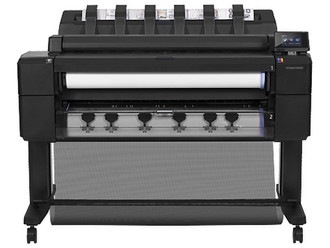
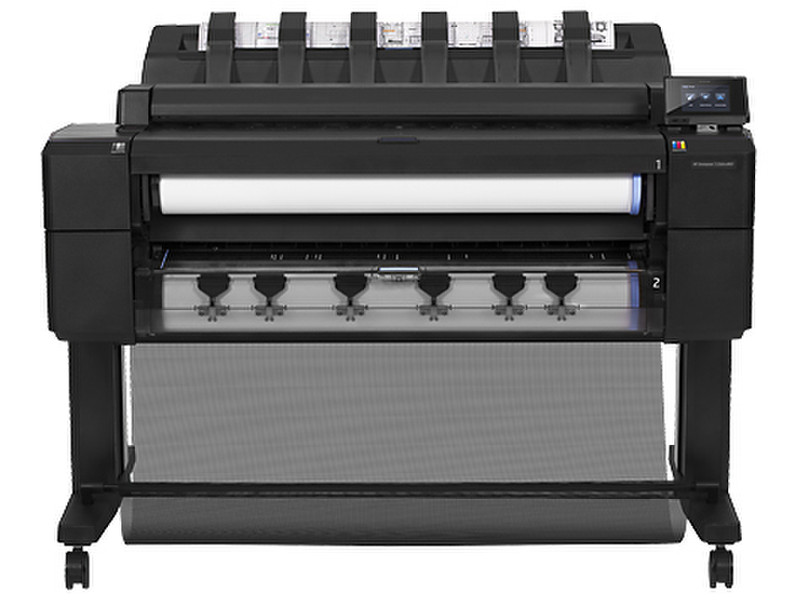
Print/Scan/Copy, 2400x1200, 60xA0pph/120xA1pph, Adobe PostScript, 128GB (virtual), 320GB E-HDD, Gigabit Ethernet, 260W, 112kg
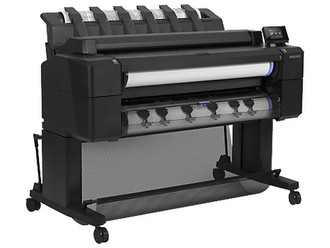
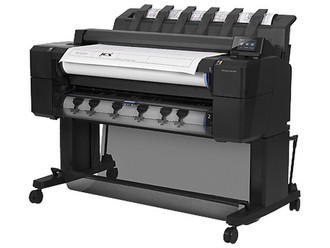
Improve workflow – switch between two rolls with this front-loading, multifunction ePrinter with A0 capabilities, that uses an output stacking tray to organise and protect your drawings. Easily scan, copy, and print reliably from mobile devices1.
Ideal for high-volume, advanced design studios that need to create, print, scan and copy top-quality drawings efficiently, and support ease of use and strong collaboration.
Features
Enjoy an innovative user experience.
- Eliminate any output clutter – get flat, collated prints thanks to the integrated output stacking tray.
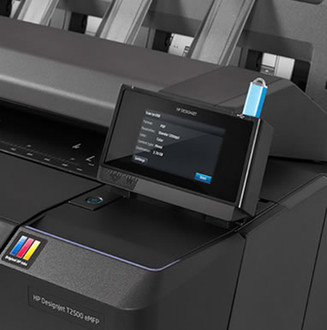
- Gain full control: monitor media rolls, view printer status on the touchscreen, and track jobs during printing.
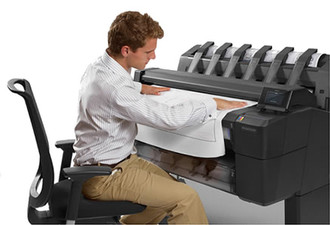
- Load two paper rolls effortlessly, even when seated, with front loading and automatic paper-roll alignment.
- Save space with a compact, integrated 914 mm (36-inch) A0 capable printer that prints, scans, and copies.
Print, scan, and copy with a single device.
- Speed up your workflow – easily scan and email sketches and hand-annotated drawings directly to your partners1.
- Instantly share and manage content – scan to your network folder, FTP, USB drive or directly to the cloud.
- Increase uptime: print multiple jobs on a variety of media types and sizes with two rolls and smart switching.
- Create A1 prints in 21 seconds. Original HP inks deliver dark blacks and true neutral greys.
Print from virtually anywhere1.
- Use your Apple® or Android™ smartphone or tablet to print from virtually anywhere1.
- Access and print projects from the cloud when you're out of the office, using HP Designjet ePrint & Share1.
- Automatically save your work to the cloud when you print and scan with HP Designjet ePrint & Share1.
- Print and scan2 without drivers using a USB drive and directly email projects to your T2500 eMFP1,3.
- 1 Requires an HP Designjet ePrint & Share account, Internet connection to the printer, and connected Internet-capable device. When using the HP Designjet ePrint & Share mobile app, a compatible Apple® iOS or Android™ device and Internet connection are required. Data or connection charges may apply. Print times may vary. For more information, visit hp.com/go/eprintandshare
- 2 Scanning of PDF files only available with HP Designjet T2500 PostScript eMultifunction Printer.
- 3 Only files in TIFF, JPEG and PDF format can be emailed with a size limit of 10 MB.