Ergonomics
| Swivel angle |
360 ° |
| Tilt angle |
0 - 20 ° |
| Height adjustment range |
0 - 120 mm |
| Adjustable |
Y |
Design
| Minimum notebook screen size compatibility |
12 " |
| Maximum notebook screen size compatibility |
17.3 " |
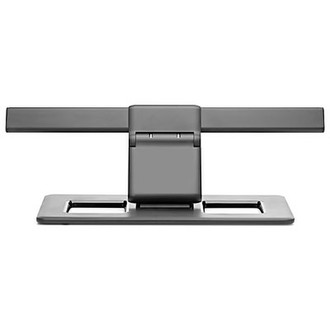
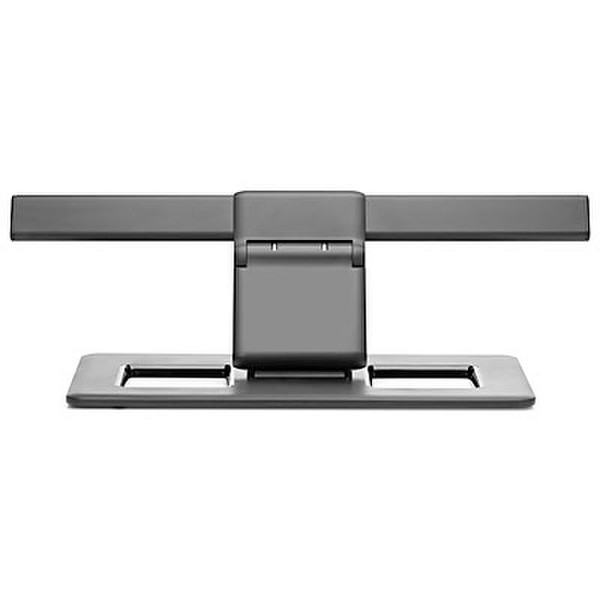
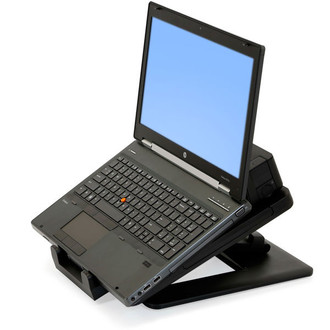
Quickly and easily create a comfortable workspace for your notebook or notebook and docking station by bringing them up off the desk in the HP Dual Hinge II Notebook Stand.
• Use the stand with a range of HP notebooks and docking stations.1 Dependent on your docking station’s ports, you can also connect peripherals such as a keyboard and mouse or external drive for a total workspace solution.
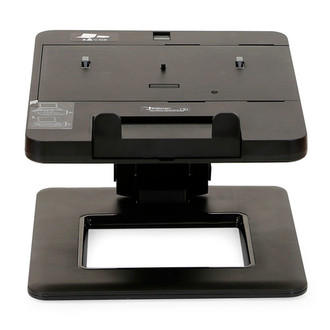
• Simply snap the docking station into the tray, attach your peripherals, and you’re ready to work every time you dock your notebook.
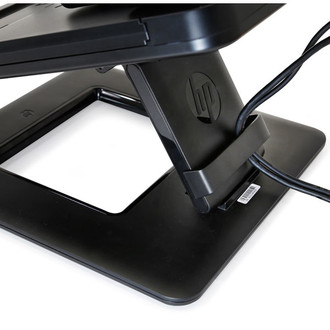
• If you prefer to work without a dock, you can park the notebook in the tray on its own. Use the cable routing feature to keep cables out of the way and create a clean working area.
1 See product QuickSpecs at http://h18006.www1.hp.com/products/quickspecs/13067_div/13067_div.pdf for compatible products.

