Performance
| Processor frequency |
600 MHz |
| Maximum duty cycle |
8000 pages per month |
| Recommended duty cycle |
250 - 2000 pages per month |
| Printing |
Mono printing |
| Duplex functions |
Not supported |
| Copying |
Mono copying |
| Faxing |
N |
| Scanning |
Colour scanning |
| Print technology |
Laser |
| Number of print cartridges |
1 |
Scanning
| Document formats supported |
PDF |
| Maximum scan area |
216 x 297 mm |
| Scan speed (black) |
7 ppm |
| Image formats supported |
JPG, PNG, TIF |
Printing
| Print speed (black, normal quality, A4/US Letter) |
20 ppm |
| Time to first page (black, normal) |
9.5 s |
Power
| Power consumption (average operating) |
465 W |
| Power consumption (off) |
0.75 W |
Output capacity
| Standard output capacity |
100 sheets |
| Maximum output capacity |
100 sheets |
Copying
| Copy speed (normal quality, black, A4) |
20 cpm |
| Maximum number of copies |
99 copies |
| Maximum copy resolution |
300 x 300 DPI |
| Copier resize |
25 - 400% |
Input capacity
| Standard input capacity |
150 sheets |
Paper handling
| Custom media width |
76 - 216 mm |
| Standard tray media types |
Plain paper |
| Custom media length |
127 - 356 mm |
| Standard tray media weight |
60 - 163 g/m² |
| Maximum ISO A-series paper size |
A4 |
| Envelopes sizes |
10, DL, Monarch, C5, B5, 7 3/4 |
Ports & interfaces
| Standard interfaces |
USB 2.0 |
Storage
| Internal memory |
128 MB |
| Card reader integrated |
N |
Software
| Mac operating systems supported |
Mac OS X 10.6 Snow Leopard, Mac OS X 10.7 Lion, Mac OS X 10.8 Mountain Lion, Mac OS X 10.9 Mavericks |
System requirements
| Minimum hard disk space |
400 MB |
| Minimum RAM |
512 MB |
Additionally
| Maximum memory |
128 MB |
| Print noise level |
48 dB |
| Scan speed (color) |
5 ppm |
| Ethernet LAN connection |
N |
| Scan type |
Flatbed |
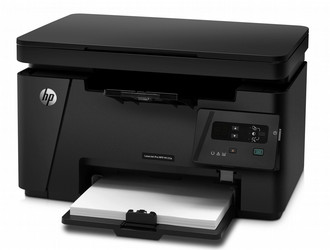
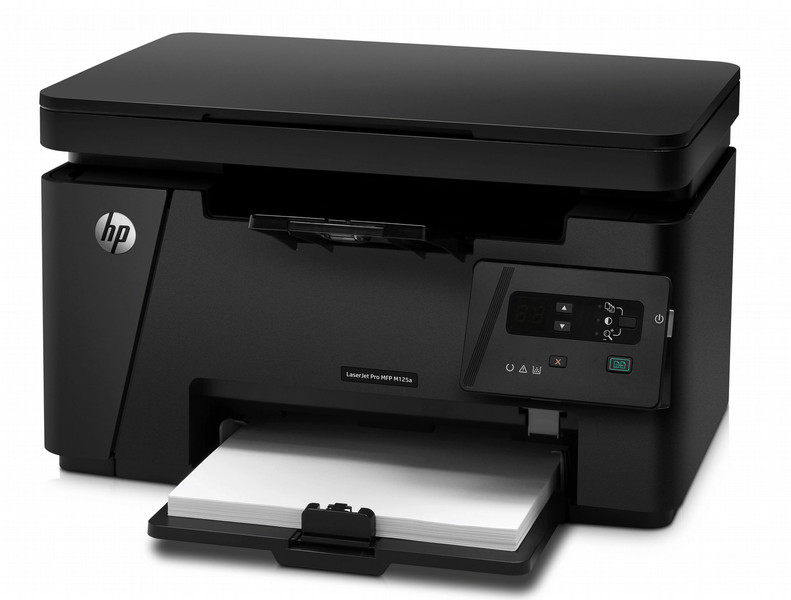
LaserJet Pro M125a - 20 ppm, 600 x 600 dpi, 9.5 s, 600 MHz, 20 cpm, USB 2.0, 128 MB, 60 - 163 g/m², 48 dB, 8.0 kg
This affordable HP LaserJet Pro MFP is easy to install and delivers crisp, clear documents. Print, copy, and scan with one, compact device that fits neatly into small office spaces.
Tackling essential office tasks simply and affordably with a compact MFP that prints, copies, and scans with crisp, clear results.
Features
Handle the essentials
- Easily copy both sides of a two-sided ID or other small document onto the front of a single-page.
- Keep up with the pace of business—print, copy, and scan at high speeds.
Hit the ground running
- Get started fast with HP Smart Install—no CD needed.
- Reduce energy use with Instant-on Technology.
- Just start printing, quick and easy—with the simple control panel.
Only the power you need
Help reduce energy use when making copies with Instant-on Copy.
Save energy—HP Auto-On/Auto-Off Technology turns your printer on when you need it and off when you don’t.