Performance
| LightScribe |
N |
| Interface |
USB 3.0 |
| Optical drive type |
DVD±RW |
| Purpose |
Notebook |
Design
| Internal |
N |
| Disc loading type |
Tray disc loader |
System requirements
| Mac operating systems supported |
Y |
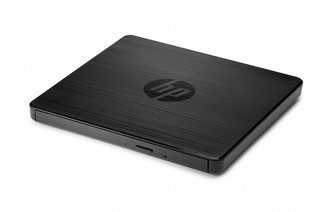
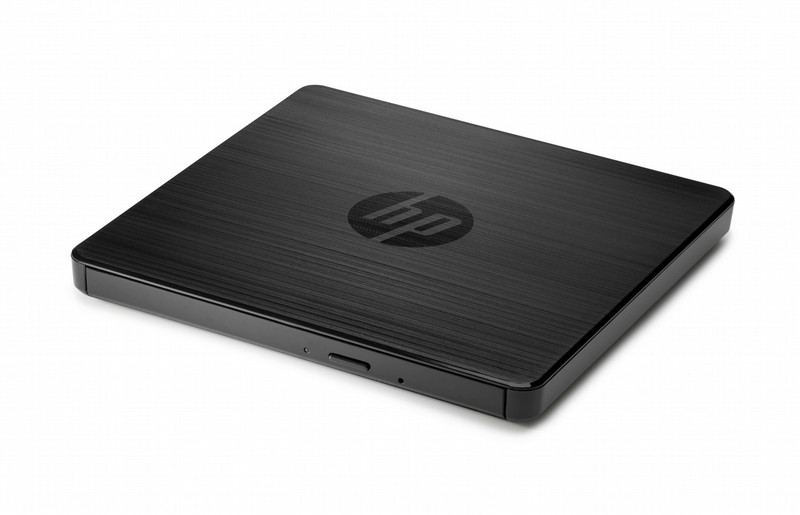
External USB DVDRW Drive
Connect the HP External USB DVD/RW to any available USB port on your PC[1] to get immediate read/write access to your optical media.
- Back up your data, move files, enjoy your multimedia, and read and write CDs and DVDs[2] to your heart’s content with a compact external ODD.
- Keep your workspace tidy and add an ODD only when you need it. Connect the USB-powered drive to any USB 2.0 or 3.0 port on your PC[1] and you’re ready to go. No additional AC adapter is required.
- Enjoy the reassurance of a one-year parts replacement limited warranty. Additional support is available (North America only) seven days a week, 24 hours a day by phone as well as through online support forums.
[1] Compatible with Windows-based PCs only. See product QuickSpecs for complete system requirements.
[2] Don’t copy copyright-protected materials. Double Layer is a new technology. Double Layer media compatibility will widely vary with some home DVD players and DVD-ROM drives. Note that DVD-RAM cannot read or write to 2.6GB Single Sided/5.2 Double Sided-Version 1.0 Media.

