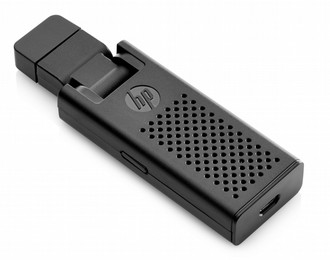
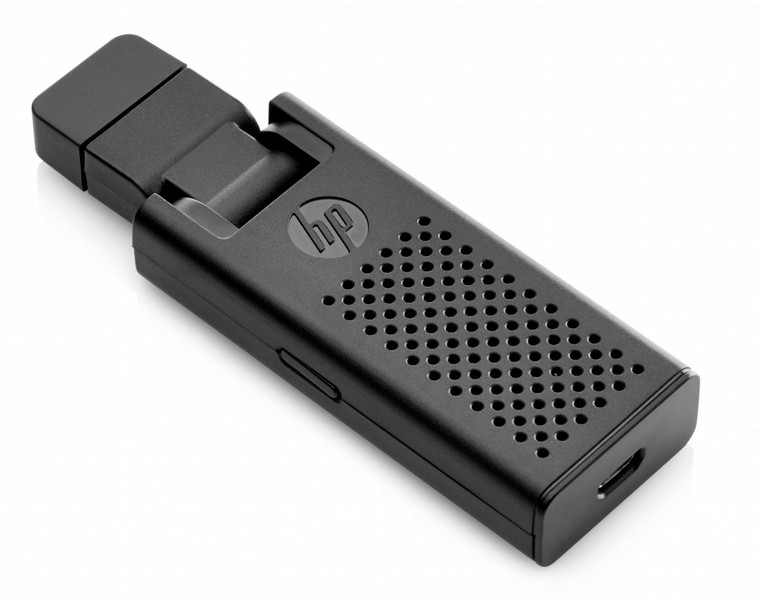
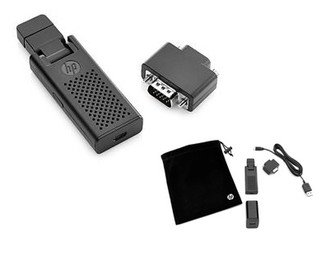
Packaging content
| Cables included |
AC, USB |
| Quick start guide |
Y |
Features
| Operating relative humidity (H-H) |
0 - 85% |
| Certification |
Intel Pro WiDi, Intel WiDi, Miracast\nHDCP 2.0 |
| USB required |
Y |
Other features
| Power requirements |
600mA |
| Adapter type |
HDMI - VGA |
| Connector(s) |
HDMI, USB micro-B |
| Frequency band |
2.4 / 5 GHz |
| Compatible operating systems |
Windows XP +\nAndroid 4.2 +\nLinux/Chrome\nMac OS |
Weight & dimensions
| Depth |
30.5 mm |
| Weight |
28 g |
| Width |
94.1 mm |
| Height |
14.2 mm |
Additionally
| Colour of product |
Black |
| AC adapter bundled |
Y |
| Operating temperature range (T-T) |
10 - 50 °C |
Share your content with the whole room by sending it wirelessly from your notebook, tablet or smart phone to a display or projector with the HP Wireless Display Adapter with your choice of wireless technology.
Features
- Simply plug the HDMI dongle into the projector or display, or use the handy included HDMI-to-VGA adapter in legacy environments, then power the dongle from your notebook or an AC adapter with the included USB cable.
- Use Intel WiDi or Miracast to project content from a compatible tablet, notebook or smart phone. If Intel WiDi or Miracast are not available, use WiFi mode to wirelessly project screen or Web content onto a monitor or projector.1
- Use the compact adapter in and out of the office. The dongle, cable, HDMI-to-VGA adapter, and AC adapter fit into a compact pouch that you can store alongside your notebook, tablet or smart phone for on-the-fly presentations in and out of the office.
- Get the reassurance of a one-year part replacement limited warranty.
- The display adapter is compatible with Intel® Pro WiDi, Intel WiDi, and other Miracast Certified devices as well as devices with WiFi capability. You do not have to be connected to a network to connect to the display adapter. The following table lists operating system compatibility.

