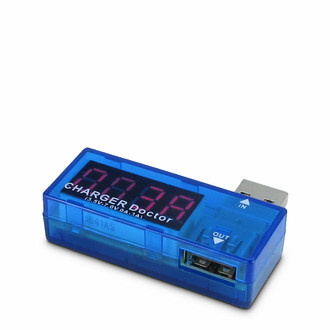
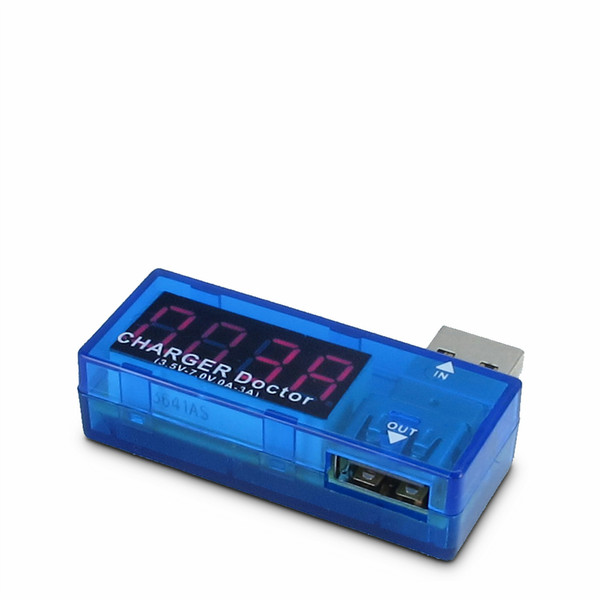
USB Type A, LED, 15 x 35 x 52mm
By using the practical and handy USB Voltmeter SLPT300 you can easily an quickly control the output voltage and amperage of an USB port.
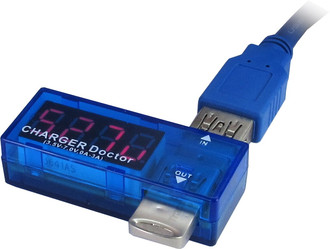
Just connect the SLPT300 to any available USB port you want to use and plug your USB device into the SLPT300, that works as a kind of a coupler. Now the output voltage and amperage of the USB port will be alternately shown on the display.
- Helps to check if a USB device draws current or is defective.
- Helps to detect defective or damages power adapter.
- Helps to detect defective cables.
- Displays if a connected USB 2.0 device consumes more than 500 mA current. This can cause (without external power supply) a defect of the USB controller because the max. current is limited according to the USB standard to 500 mA.

