Power
| AC adapter output voltage |
12 V |
| AC adapter output current |
5 A |
| AC adapter frequency |
50/60 Hz |
| AC adapter input voltage |
100 - 240 V |
Ports & interfaces
| DC-in jack |
Y |
| HDMI ports quantity |
1 |
| Thunderbolt 2 ports quantity |
2 |
| USB 3.0 (3.1 Gen 1) Type-A ports quantity |
3 |
| Host interface |
Thunderbolt 2 |
| Microphone in |
Y |
| Headphone outputs |
1 |
Storage
| Built-in hard drive |
N |
| Card reader integrated |
N |
Software
| Mac operating systems supported |
Y |
Networking
| Copper ethernet cabling technology |
1000BASE-T, 100BASE-TX, 10BASE-T |
| Ethernet LAN data rates |
10, 100, 1000 Mbit/s |
Performance
| Charging function |
Y |
| Maximum digital resolution |
4096 x 2160 pixels |
Additionally
| Ethernet LAN (RJ-45) ports quantity |
1 |
| Ethernet LAN connection |
Y |
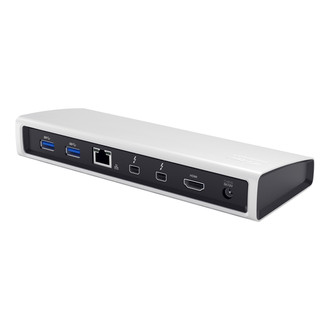
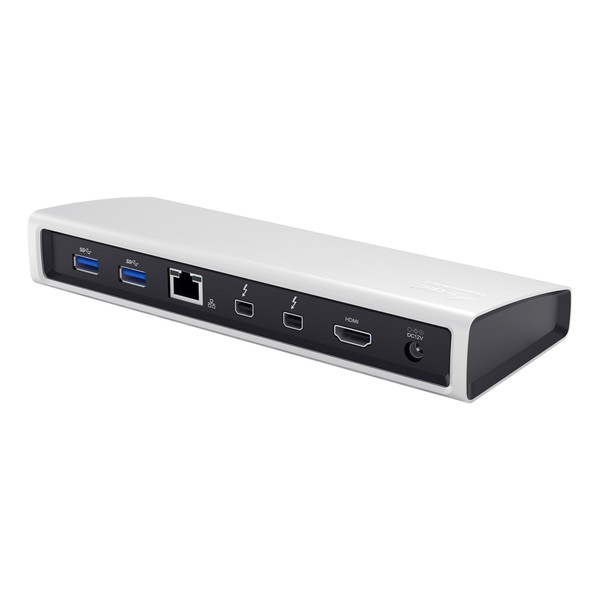
2 x Thunderbolt 2, 1 x HDMI, 4K Ultra HD 4096x2160, Gigabit Ethernet, 3 x USB 3.0, Audio In / Out
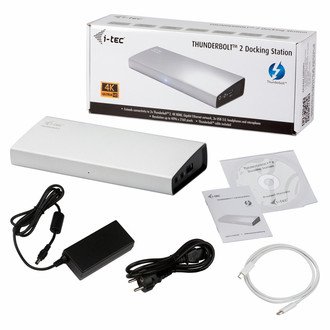
i-tec THUNDERBOLT 2 Docking Station will allow you easy and extremely powerful connection of all accessories to your MacBook. It offers two Thunderbolt ports with the transmission speed of 20 Gb/s. One will be used for connecting your Mac and the other one can be used for connection of other Thunderbolt devices such as external drives or monitors.
Using the 4K HDMI interface you can connect any monitor with a resolution up to 4096x2160 pixels. Then you have three USB 3.0 ports that can be used for connection of your USB devices as well as for charging of phones, tablets, or other mobile devices.
Wi-fi connection is really comfortable, but honestly speaking, if you want power without compromise, nothing can help you better than Gigabit Ethernet port, which always does not have to be a part of some modern notebooks. i-tec THUNDERBOLT™ 2 Docking station will help you with this and you can enjoy high speed internet access without any interruption. A separated microphone input and earphone output will allow conference calls as well as wonderful experience from movies or games.
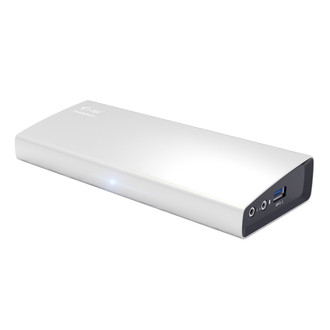
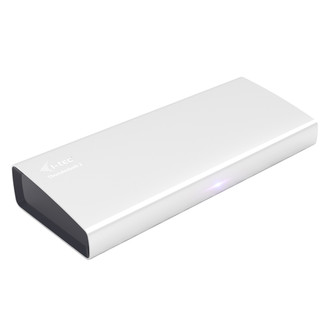
The docking station features a compact and elegant metallic design which was developed in accordance with the ultrabook line. It can be used also as a notebook or tablet pad providing better circulation of air under these pieces of equipment.
This universal docking station will significantly increase the comfort of using your MacBook. It will allow connection of your favourite pieces of hardware such as a keyboard, mouse, external disk, printer, an audio system, internet modem, another monitor, etc. by a single Thunderbolt™ cable (One-Touch-System). This way you will avoid perpetual connecting and disconnecting of these pieces of hardware whenever you carry your notebook or tablet with you. Another advantage is better organization of your desktop and removal of the unorganized clutter of cables.