Paper handling
| Auto Document Feeder (ADF) media weight |
30 - 116 g/m² |
| ISO B-series sizes (B0...B9) |
B5 |
| Maximum scan area (ADF) |
216 x 1651 mm |
| Legal |
Y |
| Letter |
Y |
| Maximum ISO A-series paper size |
A4 |
| Scanning media types supported |
Card stock, Plain paper |
Scanning
| Film scanning |
N |
| ADF scan speed (b/w, A4) |
20 ppm |
| Optical scanning resolution |
600 x 600 DPI |
Input capacity
| Standard input capacity |
20 sheets |
Performance
| Scan drivers |
ISIS, TWAIN, WIA |
| Daily duty cycle (max) |
500 pages |
| Scan to |
File, Image |
| Scan file formats |
BMP, JPG, PDF, RTF, TIFF |
Power
| Input voltage |
100-240 V |
| Input frequency |
50/60 Hz |
Ports & interfaces
| Standard interfaces |
USB 2.0 |
System requirements
| Mac compatibility |
N |
| USB required |
Y |
Additionally
| Scan type |
Sheet-fed scanner |
| Minimum scan area (Auto Document Feeder) |
80 x 52 mm |
| ADF scan speed (colour, A4) |
15 ppm |
| Colour scanning |
Y |
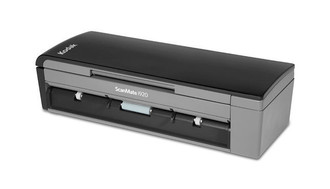
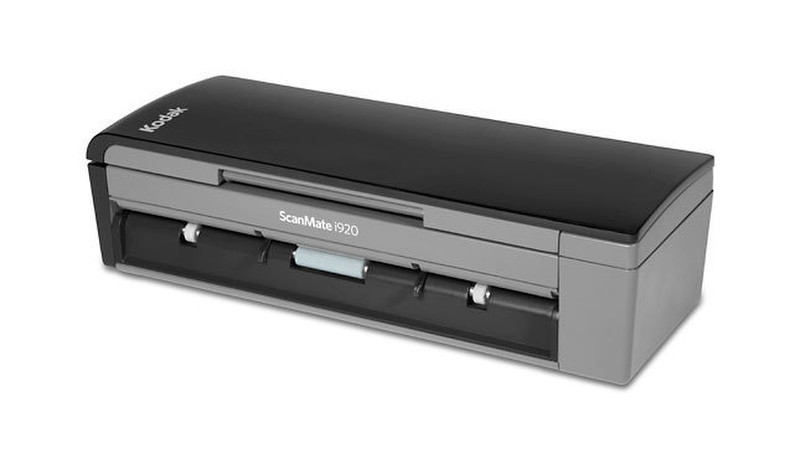
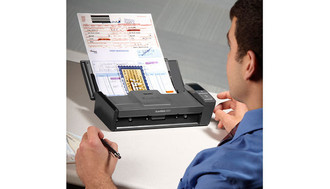
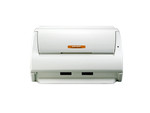
SCANMATE i920, 600 dpi, USB 2.0, 1.2 kg
The information organizer that won’t take up your whole desk. Or your whole day.
With Kodak’s Smart Touch functionality, the KODAK SCANMATE i920 gets important business documents into your information network in an instant. That’s because Smart Touch automates multiple-step scanning operations by capturing, processing, and sending information for you. At the touch of a button, Smart Touch helps you make e-mail attachments, picture files, searchable PDFs, and more. Plus it files documents or sends them to “the cloud.” For example, if a business configured its ID card scanning process as Option 2, an employee could simply select “2” on the scanner display. The ID card would be scanned, processed, and sent to its proper destination—automatically.
Eight great things you can do with the KODAK SCANMATE i920 Scanner to get ahead:
1. Get peace of mind—backed with an industry leading 3-year limited warranty with next day replacement service.
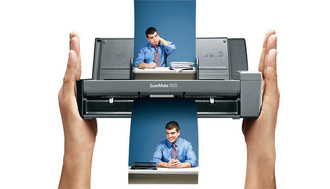
2. Save space—compact, highly portable design takes up less desk space.
3. Save time—Kodak's Smart Touch performs multiple-step scanning and organizing operations automatically.
4. Make great images—Kodak’s Perfect Page document imaging is built in—just press the button and get great images with bright colors and crisp text.
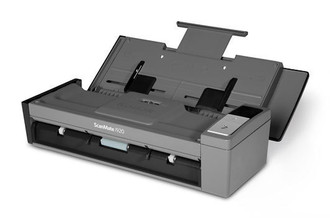
5. Scan it all—reliably handles a wide range of documents with the 20-sheet automatic document feeder, including extra-long documents, business cards, ID cards, and embossed hard cards.
6. Stay in contact—bundled software helps you easily edit and synchronize business card info with your contact applications.
7. Integrate easily—TWAIN and ISIS drivers allow quick compatibility with most scanning software.
8. Do more—KODAK Pro Capture Software lets you quickly scan, process, utilize, and manage documents—no third-party software to buy.