Printing
| Print speed (black, normal quality, A4/US Letter) |
50 ppm |
Power
| Power consumption (average operating) |
850 W |
| Power consumption (PowerSave) |
17 W |
| Energy Star Typical Electricity Consumption (TEC) |
6.787 kWh/week |
| Energy saving mode |
Y |
Input capacity
| Paper input type |
Paper tray |
Performance
| Digital sender |
N |
| Copying |
N |
| Printing |
Colour printing |
| Faxing |
N |
| Scanning |
N |
| Print technology |
Laser |
Paper handling
| Maximum ISO A-series paper size |
A4 |
Other features
| All-in-one functions |
Print |
Additionally
| Print speed (colour, normal quality, A4/US Letter) |
47 ppm |
| Print noise level |
52 dB |
| Ethernet LAN connection |
N |
| Color all-in-one functions |
print |
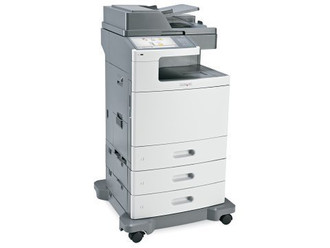
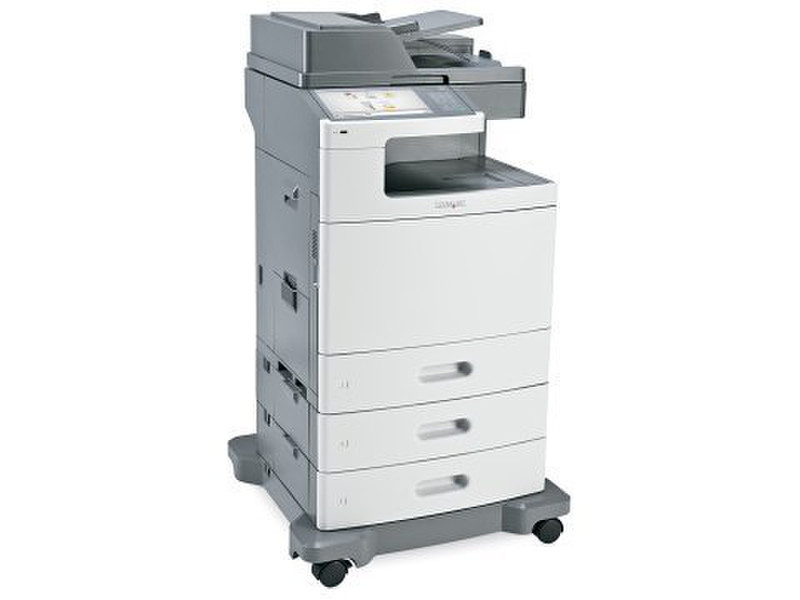
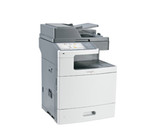
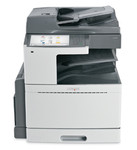
XS796DTE - 1200 Dpi, 50/47ppm, 1GB, USB 2.0, 850W, 105570g, Grey
Design for Environment
This Lexmark product offers the following resource conserving features:
- Instant Warm-Up fuser – Saves energy;
- Power Saver Features – Reduces the power state of the printer after printing when entering Sleep Mode – adjustable from 1-240 minutes; reduces power state further when entering Hibernate Mode (a virtual “off mode”);
- Scheduled “wake up” – Allows accounts to conserve energy by engaging Hibernate Mode during periods of the day or week when the printer is not in use and disengaging Hibernate Mode during work periods;
- Eco-Mode – Conserves energy and paper through three optional settings;
- Energy Saving Mode: Print engine motors do not start until a document is ready to print, the printer enters Sleep Mode after a period of inactivity and printer control panel display light is turned off in this mode;
- Paper Saving Mode: Device defaults to duplex printing and print log features are turned off;
- Energy + Paper Saving Mode: Energy and paper saving settings are activated;
- Quiet Mode – Reduces noise emission by adjusting print speed, disabling advanced paper start, disabling or minimizing beeps (key press, alarms, etc.), and adjusting fan speed (Quiet mode may be combined with Eco-Mode);
- Multi-Page Printing – Prints multiple page images on one page;
- Duplex – Prints on both sides of a page;
- Recycled Paper – Supports the use of recycled content media;
- Lexmark Solutions – Reduces unnecessary printing and simplifies your work processes, such as eliminating the need for stocking paper forms;
- Fax Forwarding – Conserves paper by digitalizing faxes and redirecting to email or file rather than printing (Hard drive option required);
- Print Preview – Conserves paper by allowing users to review print jobs and select pages needed before printing;
- Print and Hold – Holds print jobs until released by the user at the printer interface by entering a pin number (Hard drive option needed);
- Distribute Information Electronically – Conserves paper by routing scanned documents to e-mail, network folders, USB thumb drives, FTP, and LDSS destinations (Additional options may be required).