System requirements
| Optical drive required |
Y |
| Minimum RAM |
128 MB |
Ports & interfaces
| Host interface |
USB |
| Internal |
N |
Additionally
| Wireless technologies |
Wireless |
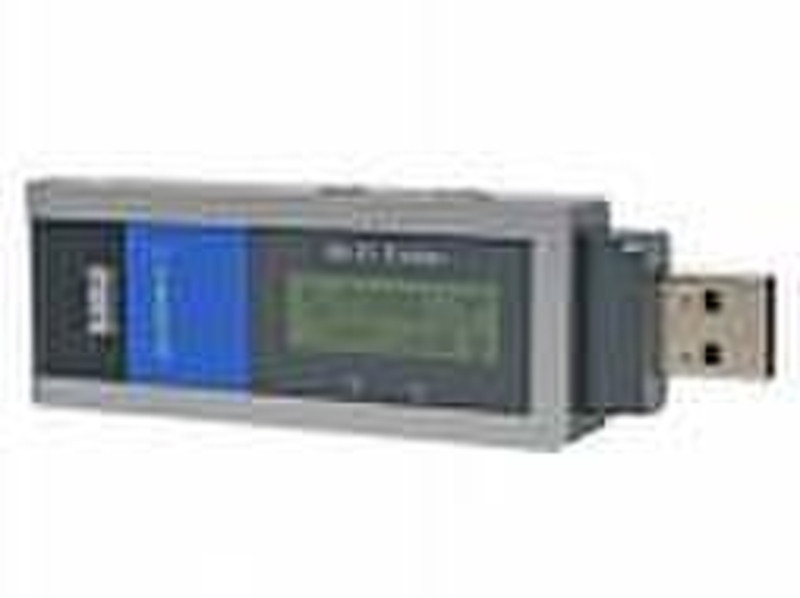
Locate and access wireless networks when you’re on-the-go. The handy, pocket-sized Wireless-G USB Network Adapter with Wi-Fi Finder helps you identify available wireless networks, then connects your laptop computer to them.
Wi-Fi Whereve
Use the built-in Wi-Fi finder to discover an available wireless network with just a button push. Then plug in and connect – Wireless-G technology offers fast access through the network to the Internet or connected devices like printers, storage and other computers.
Scan and Connect
Easy-to-read LCD display makes finding hotspots simple – look for all networks, only open ones, or a specific named one. Discovered networks display in order of signal strength. Once you’ve found one, just plug adapter in to your laptop’s USB port and you’re ready to connect. Fast, easy, convenient.
Powerful Protection
Rest secure – strong WPA encryption helps keep your communications and information private.

