Software
| Mac operating systems supported |
Mac OS X 10.9 Mavericks, Mac OS X 10.8 Mountain Lion, Mac OS X 10.7 Lion, Mac OS X 10.6 Snow Leopard, Mac OS X 10.5 Leopard |
Ports & interfaces
| RJ-11 ports quantity |
1 |
| DC-in jack |
Y |
Protocols
| Supported network protocols |
IPv6 |
Other features
| Rack mounting |
N |
| xDSL connection |
Y |
| Bandwidth (first) |
2.4 GHz |
| Mobile network connection |
N |
Wireless LAN features
| Top Wi-Fi standard |
IEEE 802.11n |
| Wi-Fi standards |
IEEE 802.11n, IEEE 802.11g, IEEE 802.11b, IEEE 802.11a |
| WLAN data transfer rate (max) |
300 Mbit/s |
Ethernet LAN features
| Ethernet LAN interface type |
Fast Ethernet |
| Ethernet LAN data rates |
10, 100 Mbit/s |
Additionally
| AC adapter bundled |
Y |
| On/Off switch |
Y |
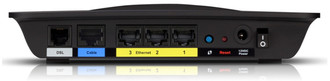
| Ethernet LAN (RJ-45) ports quantity |
4 |
| Ethernet LAN connection |
Y |
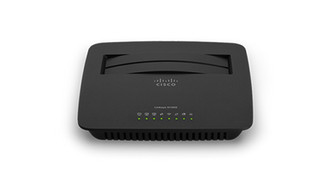
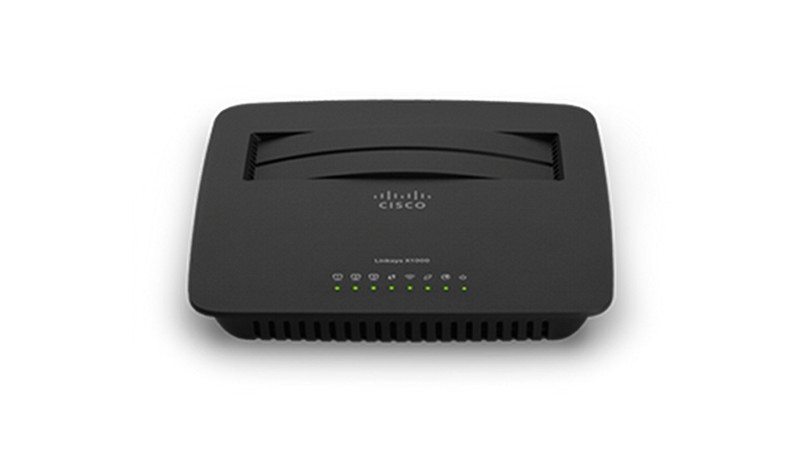
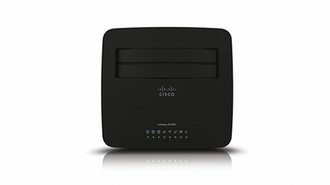
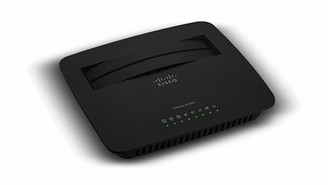
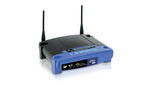
802.11 b/g/n, ADSL2+, 2.4 GHz, 3 x Fast Ethernet, black
<b>Ideal for:</b>
- Sharing Internet access, surfing the web, emailing and printing wirelessly
- Connecting multiple devices
- Connecting to a DSL connection or cable modem
<b>Features:</b>
- All-in-one device - functions as a wireless ADSL2+ modem router or a wireless router
- Wireless-N router with wireless transfer speeds up to 300 Mbps
- Reliable range with MIMO antenna technology
- Three Ethernet ports to connect wired devices
<b>Built-in DSL modem</b>
Directly connects you to the internet wirelessly — no separate DSL modem required. The Linksys X1000 can also act as a wireless router by connecting the Ethernet WAN port to a cable modem.
<b>Fast wireless speed</b>
The Linksys X1000 connects your computers, wireless printers and other Wi-Fi devices at wireless transfer rates of up to 300 Mbps.
<b>Reliable wireless coverage</b>
The MIMO antenna technology provides broad coverage so you can enjoy your wireless network from anywhere in your home.
<b>Advanced security</b>
Advanced security features such as WPA2 wireless encryption and the integrated firewall help you keep your network protected.
<b>Quick to install</b>
Cisco Connect helps you set up your wireless network in a few easy steps on a Windows or Mac computer.
<b>Cisco Connect Express</b>
Control your network with ease from your android or iOS mobile device with the Cisco Connect Express app, including adding devices and giving guests access.
<b>Easy to manage</b>
Cisco Connect works with Mac and Windows computers and helps you customise settings or quickly add new devices to your network. Cisco Connect enables you to:
- Create a separate, password protected network for guests
- Limit access time and access to certain websites with parental controls
- Access advanced network settings easily
- Measure your connection speed with the Broadband Speed Meter
- Perform regular automated update checks for firmware and software with the option to install