Memory
| Memory card slot(s) |
N |
| Tracks quantity |
1 |
| Built-in memory |
N |
Technical details
| Purpose |
Universal |
| Electronic compass |
N |
| Protection features |
Water resistant |
Battery
| Battery type |
Rechargeable |
| Battery technology |
Lithium-Ion (Li-Ion) |
| Number of batteries supported |
1 |
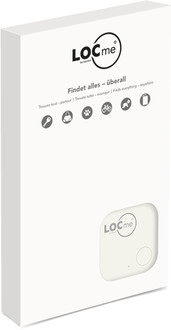
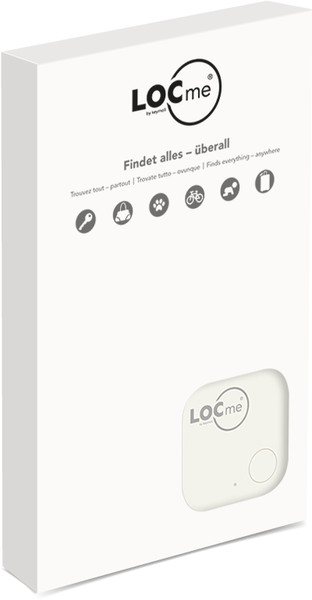
BT 4.0, Li-Ion CR2032, 70dB, 50m, white
Includes:
- LOCme incl. battery
- Fastener string
LOCme quick start guide:
- Download and install the free LOCme app from the App Store or Google Play.
- Open app and register.
- Push the LOCme for 3 seconds. The LOCme will connect to the app.
- Follow the instructions in the app
Adding LOCmes::
In the app, click the LOCme button at the top right
Now select "Add new LOCme" and follow the instructions in the app.
Replacing the battery:
- Open the LOCme casing
- Replace the CR 2032 battery with a new battery
- Carefully close the LOCme casing
Safety notes:
- Only open the LOCme to replace the battery. Frequently opening the casing can damage the LOCme and compromise the watertightness.
- All products have been quality inspected.
- Always return drained batteries to the nearest recycling site

