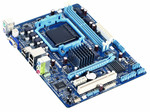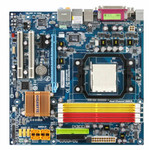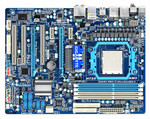
Performance
| Motherboard form factor |
Micro ATX |
| Audio system |
Realtek ALC888S |
| Component for |
PC |
Memory
| Supported memory clock speeds |
667, 800 MHz |
| Memory voltage |
1.8 V |
| Memory channels |
Dual |
| Supported memory module capacities |
4GB |
| Number of memory slots |
2 |
| Maximum internal memory |
8 GB |
Back panel I/O ports
| Parallel ports quantity |
1 |
| Serial ports quantity |
1 |
| PS/2 ports quantity |
2 |
| Headphone outputs |
1 |
| Microphone in |
Y |
| VGA (D-Sub) ports quantity |
1 |
Processor
| Maximum number of SMP processors |
1 |
| Processor system buses supported |
800, 1066, 1333 MHz |
| Intel Core 2 Duo series |
E4000, E6000, E7000, E8000 |
| Intel Celeron series |
400, E1000 |
Internal I/O
| USB 2.0 connectors |
2 |
| S/PDIF out connector |
Y |
| Number of Parallel ATA connectors |
1 |
| ATX Power connector (24-pin) |
Y |
| Floppy disk drive connector |
Y |
| Number of SATA II connectors |
4 |
| Parallel connector |
Y |
| CD/AUX audio in |
Y |
| CPU fan connector |
Y |
| Number of COM connectors |
1 |
| Chassis intrusion connector |
Y |
| Number of chassis fan connectors |
2 |
| Number of EATX power connectors |
2 |
| Front panel audio connector |
Y |
Graphics
| On-board graphics adapter |
Y |
Expansion slots
| PCI slots |
2 |
| PCI Express x16 slots |
1 |
Networking
| Networking features |
Fast Ethernet |
Packaging content
| Quick installation guide |
Y |
Additionally
| Chipset |
Intel G31 |
| Ethernet LAN (RJ-45) ports quantity |
1 |
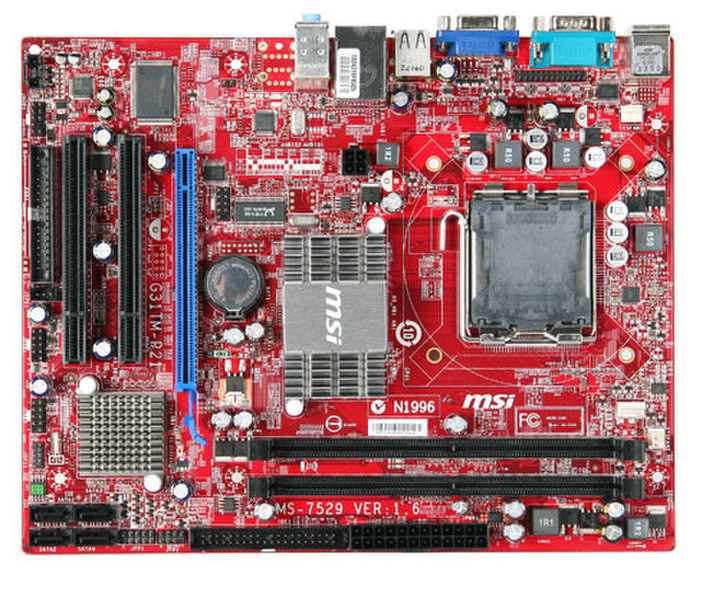
G31TM-P21, Intel G31, 2 x DDR2 667/800, PCI/PCI-E, IDE, 4 x SATA2, Fast Ethernet, Realtek ALC888S 8ch, mATX
G31TM-P21
M-Flash
- Faster and Flexible and instant;
- If BIOS crash, it still can boot from USB Drive;
- Update BIOS from USB Drive by M-Flash Fucntion.
Live Update3
Live Update 3 is a single utility software that automatically checks BIOS, driver and utility updates and installs for you , which can save your time for searching and lower the risk while updating.
Live Update
The MSI Live Update online is designed to automatically download and update the BIOS and driver when there’s a new version online. It helps reduce the risk of getting the wrong file and minimize the trouble of searching the files from MSI website.