Other features
| Lens system |
Panasonic |
| Auto focus |
Y |
| Manual focus |
Y |
Image sensor
| Total megapixels |
0.8 MP |
| Optical sensor size |
1/8 " |
| Sensor type |
CCD |
White balance
| Indoor white balance |
Y |
| Outdoor white balance |
Y |
Shutter
| Camera shutter speed |
1/25 - 1/8000 s |
Lens system
| Image stabilizer |
Y |
| Optical zoom |
70 x |
| Focal length (35mm film equivalent) |
38.5 - 2695 mm |
| Digital zoom |
3500 x |
| Focal length range (f-f) |
1.5 - 105 mm |
| Filter size |
37 mm |
Camera
| Minimum illumination |
6 lx |
Still image
| Still image resolution(s) |
640 x 480 |
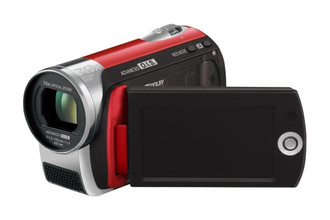
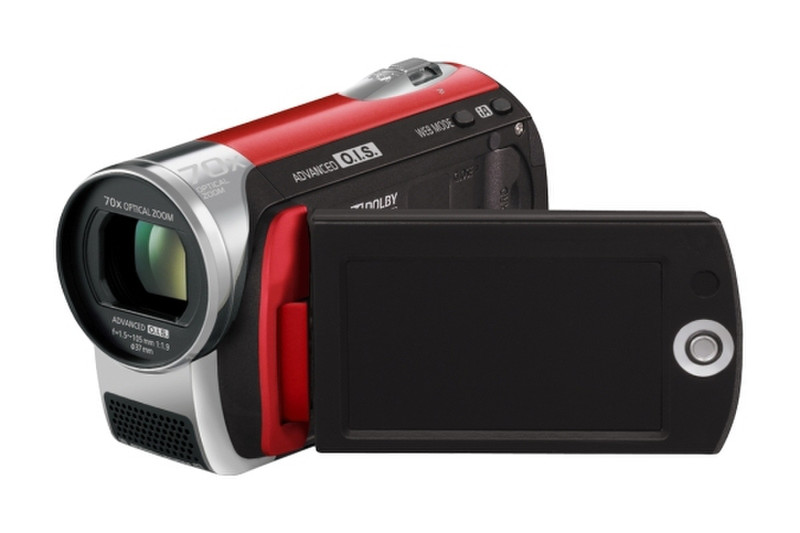
SDR-S26 SD Camcorder, Red
The SD Card camcorder, the SDR-S26, features a powerful 70x optical zoom combined with an advanced optical image stabilization system that corrects hand-shake around 4,000 times per second.
The newly implemented Intelligent Auto Mode function automatically activates several convenient shooting assist functions. These functions include Advanced O.I.S.; Face Detection, which adjusts exposure settings in order to capture faces perfectly; and the Intelligent Scene Selector, which determines shooting conditions and selects scene settings accordingly.
The Quick Start function allows the SDR-S26 camcorder to begin recording just 0.8 second from the time the LCD is opened and this around a third of the time that it takes for a camcorder that records onto DVD discs to start, making it easier to catch those special moments that come with no warning -- all in clear MPEG2 DVD quality.
The SDR-S26 camcorder features the new YouTube Uploader function that makes video uploading super easy! Simply set the camcorder to "Web Mode" and it will record the movie in a YouTube compatible format. After shooting connect the camcorder via USB to a PC and the YouTube Uploader automatically starts. Simply follow the procedure to upload your video clips to the YouTube video-sharing site.
The SDR-S26 camcorder offers a function that simplifies the process of copying recordings from the Memory Card or hard disk drive to a DVD. Simply connect the camcorder to a VW-BN1 DVD Burner (optional) and press the button. No PC is required. A DVD disc created this way can be easily played directly from a DVD player.