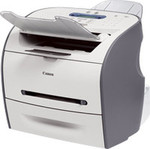
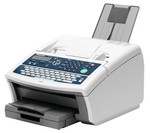
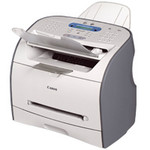
Fax
| Error Correction Mode (ECM) |
Y |
| Fax compatibility |
ITU-T G3 |
| Color faxing |
Y |
| Fax resolution |
203 x 391 DPI |
| Fax broadcasting |
210 locations |
| Modem speed |
33.6 Kbit/s |
| Fax coding methods |
MR, MMR, MH |
| Type |
Laser |
Paper handling
| Maximum standard media size |
A4 |
| Maximum media size (WxH) |
216 x 600 mm |
Copying
| Copy function |
Y |
| Gray scale levels |
64 |
| Maximum number of copies |
99 copies |
Additionally
| Standard memory |
8 MB |
| Maximum memory |
8 MB |
| Fax speed |
3 sec/page |
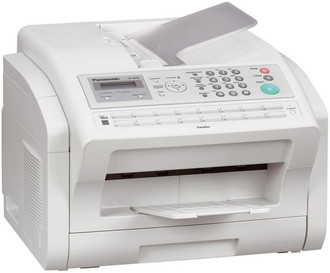
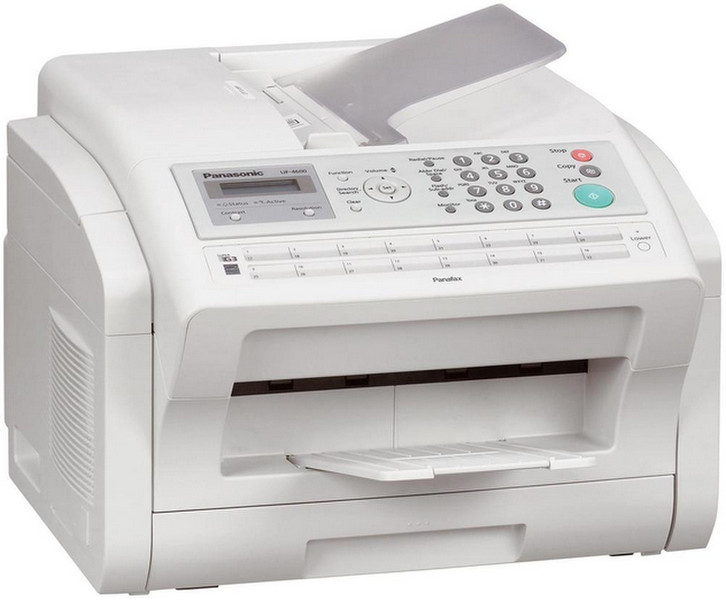
CCD, 33.6Kbps, A4, MH/MR/MMR, LAN, USB, 11.5kg, white
A scanning speed of approximately 3 seconds per page* and a printing speed of 24 ppm let you quickly and smoothly send outgoing faxes and print incoming faxes. At the touch of a button, multipage documents are on their way and you're free to do more important work.
Documents can be easily scanned into a PC in color. This lets you save colorful documents, such as leaflets, without losing the color information. You can also attach scanned files to an Email message and send them from the PC.
The large-capacity, 8-MB document memory stores up to 480 document pages. That's more than enough memory to easily handle several highvolume jobs at once.
When a large job exceeds the ADF capacity, the Job Build function lets you batch feed the job into memory, and then assembles it into a single transmission.
Because the recipient is able to receive a large volume of documents at once, it prevents the possibility that he or she will fail to receive everything or that the documents will get mixed up with others that were sent by someone else.
Block junk faxes by registering unwanted senders. This is a great way to prevent wasting paper, toner and valuable time on junk faxes.