Management features
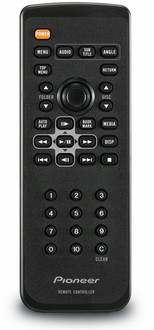
| Handheld remote control |
Y |
Other features
| Disc types supported |
CD-ROM, CD |
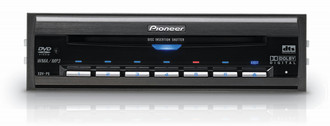
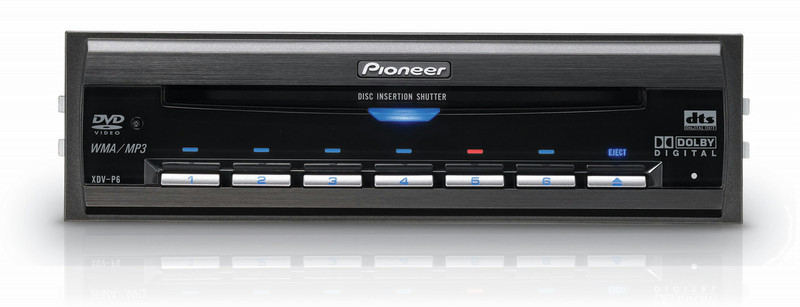
XDV-P6 - 6 Disc DVD Player
<b>Add DVD video playback to your in-car entertainment setup.</b>
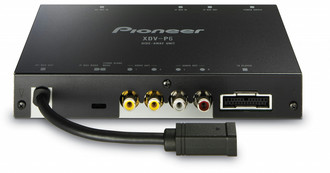
Connect the XDV-P6 to any Pioneer IP-Bus headunit (you’ll know the headunit has an IP-Bus if it contains the letter ‘P’ before the numbers in the product code) to play videos or music (the system plays most DVD and CD formats).
Alternatively, connect the optional remote sensor and use it as a stand-alone unit to create an added video system for your passengers – you can add multiple screens to your setup, as well.
The 1-DIN sized unit has an optical output for Dolby Digital and DTS, so when connected to a compatible processor, it’s almost like having a home cinema system in your car.

