Scanning
| Film scanning |
N |
| Duplex ADF scan speed (b/w, A4) |
80 ipm |
| ADF scan speed (b/w, A4) |
40 ppm |
| Optical scanning resolution |
600 x 600 DPI |
Performance
| Scan drivers |
TWAIN |
| Button functions |
On, Up, Scan, Down |
| Daily duty cycle (max) |
4000 pages |
| Sensor type |
Dual CCD |
| Light source |
LED |
Power
| Input voltage |
24 V |
| Power supply type |
DC |
Paper handling
| Maximum ISO A-series paper size |
A4 |
Ports & interfaces
| Standard interfaces |
USB 2.0 |
System requirements
| Minimum hard disk space |
800 MB |
| Minimum RAM |
1024 MB |
| Minimum processor |
Pentium IV 2.0 GHz |
Additionally
| Scan type |
ADF scanner |
| Duplex ADF scan speed (colour, A4) |
80 ipm |
| ADF scan speed (colour, A4) |
40 ppm |
| Black/white scanning colour modes |
Grayscale |
| Colour scanning |
Y |
CCD, 600 dpi, USB 2.0, 2.7 kg
Robust Paper Handing
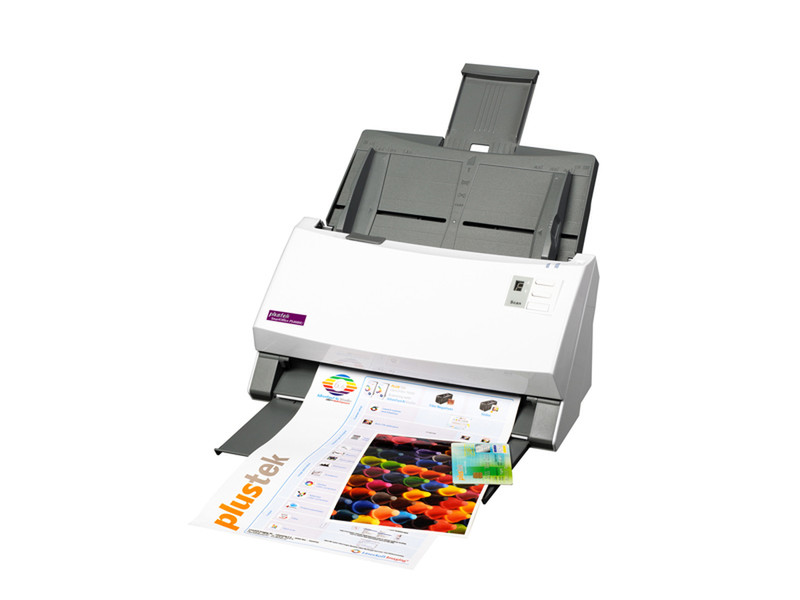
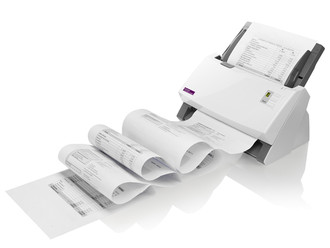
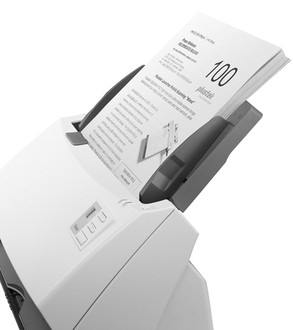
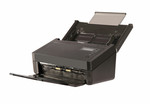
Combining fast document feeding with the advantage of robust paper handling, the SmartOffice PS4080U is an ideal choice for workgroups who have a demanding workload and limited budget. Plastic and other rigid cards such as ID cards, Drivers Licenses, Membership Cards and Insurance Cards as well as long documents up to 200” are scanned without additional adjustments or additional set up. The advanced image processing and a high daily duty cycle all add up to the perfect departmental scanning solution for document management, content management and forms processing applications. The SmartOffice PS4080U also features auto wake up that enables users simply to place paper in the scanner to wake the scanner up from sleep / stand-by mode.
Intelligent Misfeed Function
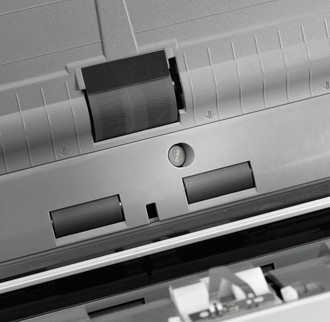
With the built-in ultrasonic multi-feed detection capability, the SmartOffice PS4080U scanner prevents multi-feeds by checking the thickness of documents and detecting overlapping pages. When a multi-feed is detected, the scan halts and a warning message is displayed. This feature is turned on by default so that it automatically improves the scanning experience and results. However, when scanning papers with labels, sticky notes, taped receipts or plastic cards, the ultrasonic function can be turned off to prevent false detection.
Exceptional Productivity
Operation of the PS4080U is simple with Plustek’s exclusive software application DocAction. Users need only to properly place the document on the scanner and press the “Scan” button. What’s best is that the scanned image can then be sent directly to your desired destination application.