Ports & interfaces
| Internal |
N |
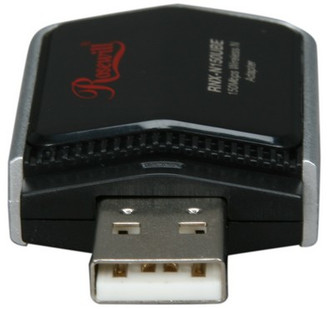
| Host interface |
USB |
Wireless LAN features
| Wi-Fi standards |
IEEE 802.11n, IEEE 802.11g, IEEE 802.11b |
| Top Wi-Fi standard |
IEEE 802.11n |
| Wi-Fi |
Y |
Performance
| Mac operating systems supported |
Mac OS X 10.4 Tiger, Mac OS X 10.5 Leopard, Mac OS X 10.6 Snow Leopard |
Antenna
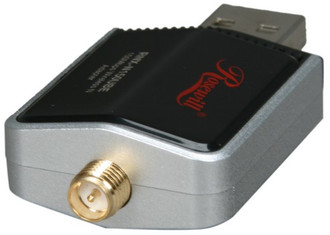
| Detachable antenna(s) |
Y |
| Gain |
2 dBi |
System requirements
| Internet connection required |
Y |
| Mac compatibility |
Y |
Networking
| Frequency band |
2.4 - 2.484 GHz |
Additionally
| Wireless technologies |
Wireless |
| Transfer rate (Mbps) |
150 Mbit/s |
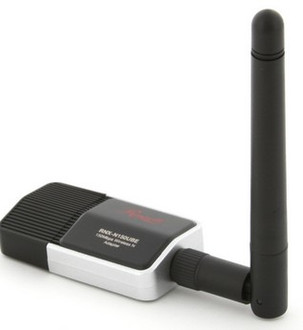
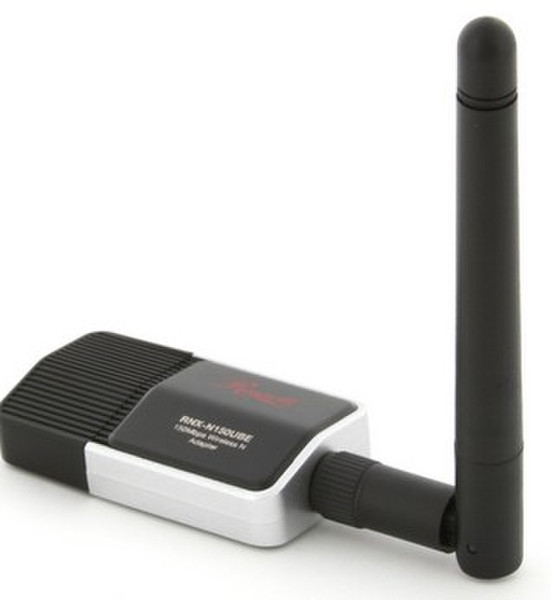
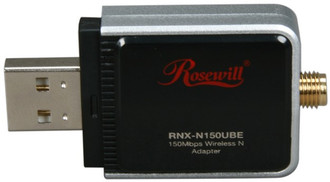
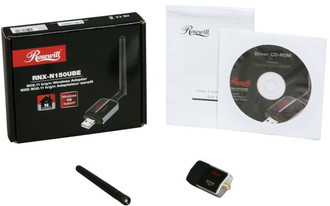
Wireless Adapter (1T1R) IEEE 802.11b/g, IEEE 802.11n Draft 2.0, USB 2.0, 150Mbps Wireless Data Rates, 64/128-bit WEP (Hex & ASCII), WPA/WPA2, WPA(TKIP @ IEEE 802.1x)/WPA2(AES @ IEEE 802.1x)
- The easiest way to upgrade your system into wireless N network.
- Connect your PC/NB to a wireless network in minutes using high speed USB2.0 interface.
- 802.11b/g/n 2.0 provide further coverage, less dead spot and higher throughput.
- Easy setup with Wi-Fi Protected Setup (WPS).
- Security support WPA/WPA2 (AES, 64,128-WEP with shared-key authentication).
- Wireless Multimedia Enhancements Quality of Service support (QoS) / enhanced power saving for Dynamic Networking.
- Fully compatible with IEEE 802.11b/g standard.
- Low Noise Amplifier(LNA) support.
- Support 20 MHz and 40 MHz bandwidth.
- Compatible with Windows XP, Vista, Win7 32 and 64 bit.
- LED indicator for Power/Link.
- Advanced power management for Low power consumption.
- The IEEE 802.11n Draft prohibits using High Throughput with WEP or TKIP as the unicast cipher. If you use these encryption methods (e.g. WEP, WPA-TKIP), your data rate will drop to 54Mbps. Rosewill recommend setting your router’s wireless encryption as WPA-AES or WPA2-AES or update the latest firmware, in order to keep your wireless transfer rate at N speed.