Performance
| Processor frequency |
360 MHz |
| Built-in processor |
Y |
Networking
| Network ready |
Y |
| Supported network protocols (IPv6) |
TCP/IPv6, SNMPv3, HTTP1.1, IPP |
| Wi-Fi |
N |
Input capacity
| Maximum input capacity |
800 sheets |
| Standard input capacity |
350 sheets |
| Multi-Purpose tray capacity |
100 sheets |
Printing
| Print speed (black, normal quality, A4/US Letter) |
20 ppm |
| Time to first page (black, normal) |
20 s |
Print technology
| Maximum duty cycle |
65000 pages per month |
| Print technology |
Laser |
Output capacity
| Standard output capacity |
200 sheets |
Other features
| Emulations |
PCL5c, PCL 6, SPL-C |
| Custom media sizes |
76 x 127mm (3" x 5") - 216 x 356mm (8.5" x 14") |
| Networking features |
Ethernet 10/100Base-TX |
Paper handling
| ISO B-series sizes (B0...B9) |
B5 |
| Maximum ISO A-series paper size |
A4 |
| Multi-Purpose Tray media weight |
60 - 220 g/m² |
| Standard tray media weight |
60 - 105 g/m² |
Sound emission
| Standby acoustic emission |
35 dB |
Power
| Input frequency |
50/60 Hz |
| Input voltage |
220-240 V |
Additionally
| Print speed (colour, normal quality, A4/US Letter) |
20 ppm |
| Maximum memory |
512 MB |
| Time to first page (colour, normal) |
20 s |
| Print noise level |
51 dB |
| Ethernet LAN connection |
Y |
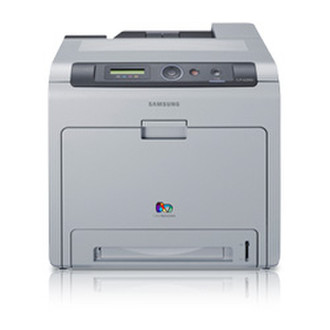
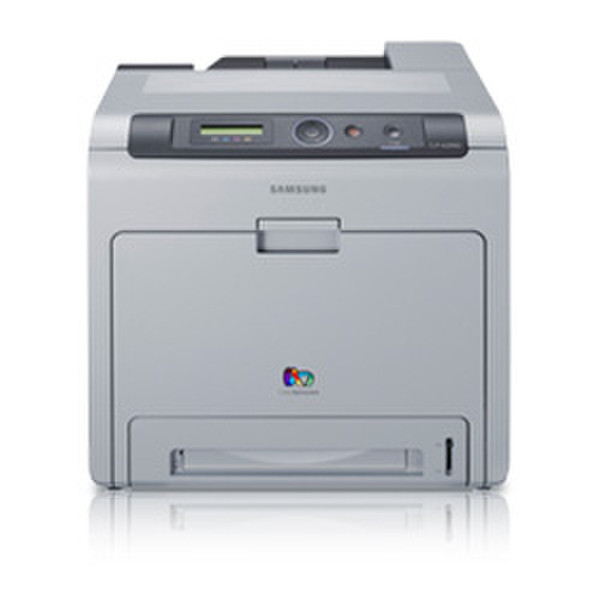
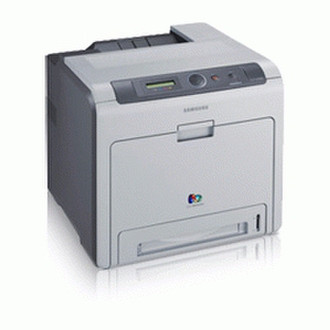
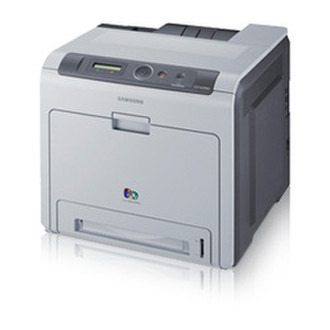
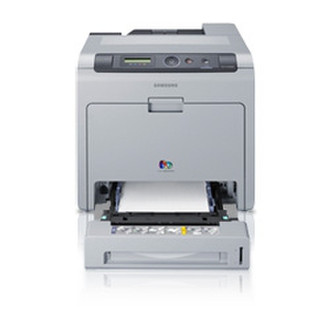
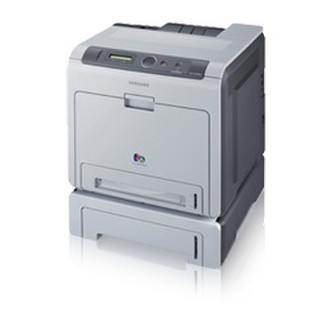
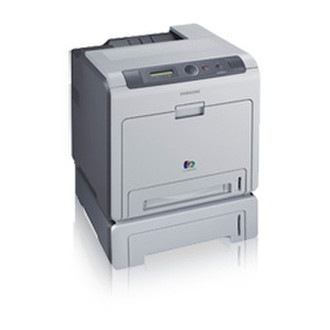
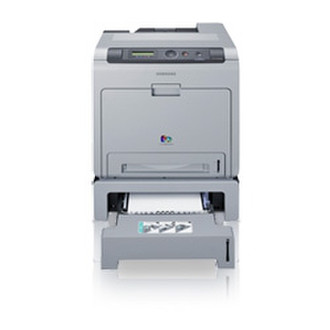
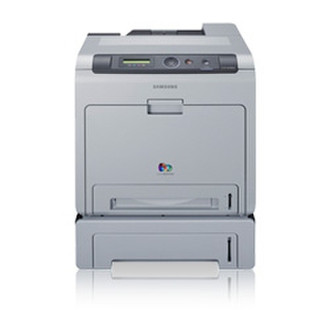
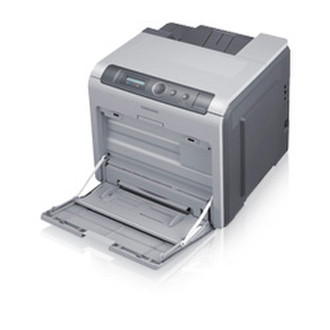
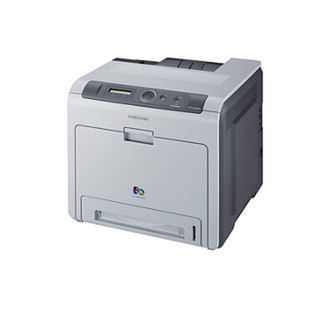
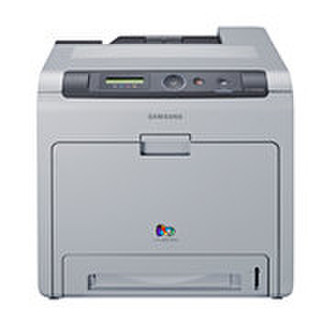
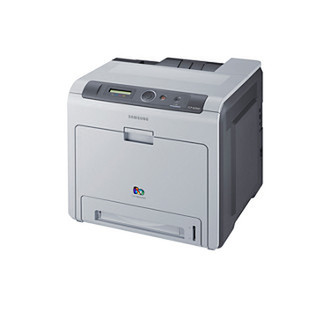
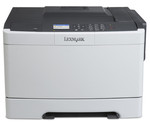
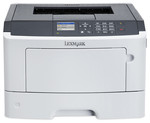
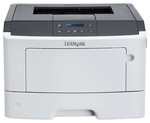
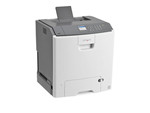
CLP-620ND - 9600 x 600 dpi, 20 ppm, 128MB, Ethernet 10/100Base-TX, USB 2.0
SAMSUNG’s focus on high specification and quality colour prints has shaped the development of this compact and durable printer at 20 print per minute for both mono and colour.
When your business demands high levels of performance - without the large price tag - the SAMSUNG CLP-620ND is an ideal option.
The SAMSUNG CLP-620ND offers consistently outstanding colour prints and minimises operational costs.
Enhanced Specification
With a 360MHz CPU and a generous 256MB memory, the SAMSUNG CLP-620ND range makes print jobs easy to process, store and handle.
The added features and processing power mean it’s suitable for the most demanding office environment.
Power Save Mode
Reduces the cost of printing and lowers the temperature of the machine, creating a more durable environment for the printer components. Less wear and tear means extended quality and fewer replacement parts needed.
SAMSUNG’s Real-Time Calibration Technology
SAMSUNG’s Real-Time Calibration Technology ensures documents are printed to a consistently high colour quality.
However, when dealing with important documents that require special attention, users can choose to manually define the colour quality that will appear on their documents.
Blue Compass Navigation
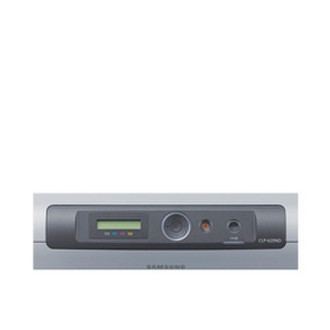
SAMSUNG’s unique Blue Compass Navigation is easy to learn and even easier to use, so you can be more productive, more quickly.
The navigation array gives you instant access to all the different print functions and controls. Simple, intuitive menus and buttons add to the savings in training and troubleshooting time. User-friendly GUI screens make operations quick and easy, and printer control panels have everything covered, including job status, toner level, paper empty and cover open alerts.
High Resolution
Communication is key in any business. Colour Print quality can make your company stand out. The SAMSUNG CLP-620ND / 670N / 670ND range excels in its printing capability by featuring a resolution level of 9600x600dpi and high glossiness level, providing you with consistent professional documents.
Smooth Network Integration
Conveniently network ready the SAMSUNG CLP-620ND is easy to integrate into your IT infrastructure right from the box. They also include support for the next generation Internet protocol (IPv6), giving you assured integration capability with IT networks of the future.
Easy to Maintain
The SAMSUNG CLP-620ND range also offers a choice of consumables to meet your cash flow needs. High yield toner cartridges, which are ideal for heavy users, last longer and give you lower costs per page. Optionally, low yield toner cartridges have the advantage of a lower initial outlay.
SAMSUNG Easy Colour Manager
Easy Colour Manager allows users to easily adjust colour balance, brightness, contrast and saturation of any image that you view on your monitor. It can be especially useful if you have specific colour preferences,
or if your company has its own brand requirements.