Technical details
| DisplayPorts in |
1 |
| DisplayPorts out |
1 |
Other features
| Sync-on-green (SOG) |
Y |
| Composite sync |
Y |
Performance
| Analog signal format system |
NTSC, PAL, PAL 60, SECAM |
| Multi-display supported |
Y |
| HDCP |
Y |
Ports & interfaces
| DVI port |
Y |
| DVI-I ports quantity |
1 |
| RS-232C |
Y |
| USB port |
N |
| Component video (YPbPr/YCbCr) in |
1 |
| VGA (D-Sub) input ports |
2 |
| DisplayPorts quantity |
2 |
| DVI-D ports quantity |
1 |
| HDMI ports quantity |
1 |
Display
| Active display area (W x H) |
1209.6 x 680.4 mm |
| HD type |
Full HD |
| Display type |
LCD |
Additionally
| Ethernet LAN connection |
Y |
| Ethernet LAN (RJ-45) ports quantity |
1 |
| Energy efficiency compliance |
Unspecified |
139.7 cm (55 ") (138.8 cm) TFT LCD, 1920 x 1080, 0.63 x 0.63 mm, 700 cd/m2, 3500:1, 8 ms, HDMI, DisplayPort x 2, DVI-I, DVI-D, D-sub x 2, Mini D-sub
High-Quality Digital Signage Solution Offers Style and Precision
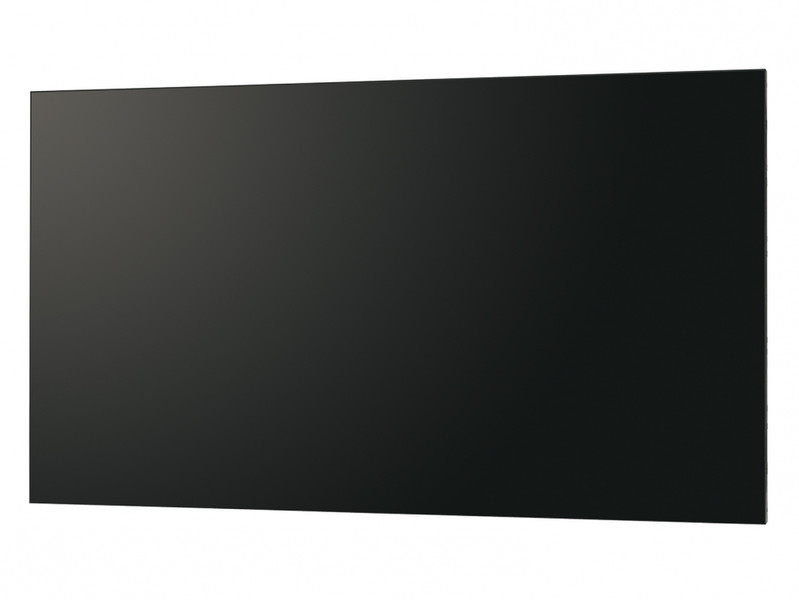
Sharp’s 55-inch full high-definition PN-V551 professional LCD monitor features a 3.5 mm* ultra-slim bezel that gives you the flexibility to build video walls with the dimensions to grace virtually any commercial or public space. Whether installed in a shopping mall, hotel, control room, transport hub, or conference hall, a bank of these monitors will convey your message with overwhelming style and precision. Four monitors set up in a 2 x 2 configuration, for example, will let you display every last pixel of native 4K Ultra HD (3,840 x 2,160-pixel) content on the equivalent of a 110-inch screen. Thanks to Sharp UCCT (Uniform Colour Calibration Technology), colour reproduction and brightness are beautifully consistent on each individual LCD monitor and thus across the entire video wall.
Dynamic Video Wall Setup Delivers High Visual Impact
Whether in a commercial or business setting, multiple full-HD
PN-V551 monitors can be joined together to create an eye-catching video wall that expands the reach of your message. Multi-monitor configurations are easy to assemble and easy to control via the
RS-232C interface or via a network.
Ultra-Slim Bezel
The ultra-slim bezel on a PN-V551 monitor enables you to combine multiple units to create a virtually seamless digital canvas. The bezels of adjacent monitors in a video wall combine for a total bezel width of just 3.5 mm*1—1.2 mm on the right and bottom sides, and 2.3 mm on the left and top sides*2. This enables the display of large, crisp images with minimal distraction and maximal impact.
Excellent Image Quality
The PN-V551 monitor combines full-HD (1,920 x 1,080-pixel) resolution with a display brightness of 700 cd/m2 to deliver stunningly bright and detailed images. Full-HD resolution ensures that everything from fine text to intricate graphics is displayed crisply and clearly. Four PN-V551 monitors set up in a 2 x 2 configuration, for example, can beautifully render every single pixel of 4K Ultra HD (3,840 x 2,160-pixel) content in a form equivalent to a 110-inch LCD monitor. What’s more, Sharp UCCT (Uniform Colour Calibration Technology) realises brilliant uniformity of colour and brightness.
Brightness Sensor
The Brightness Sensor function ensures clear visibility by automatically adjusting backlight brightness to complement surrounding brightness levels. In dark surroundings, backlight brightness automatically lowers, providing optimal viewing and energy savings as well.
Dual Screen Display
Picture-in-Picture (PIP) mode allows an AV-sourced image to be displayed within a PC-sourced one (or vice versa), while Picture-by-Picture (PbyP) mode puts images from AV and PC sources side by side for split-screen viewing.
Mirror Display Mode (Daisy Chain)
With Mirror Display mode, the same image can be displayed on a daisy chain of PN-V551 monitor for the powerful impact of visual repetition.
Four-Corner Carrying Handles for Safe Setup
To ensure safe handling of a PN-V551 monitor, all four of its corners are fitted with robust carrying handles. Together with the monitor’s light weight of 27.5 kg, these handles enable safe transport and easy, time-saving installation—whether vertically or horizontally.
Energy Efficiency
The PN-V551 conforms to the ENERGY STAR® programme, an international system for identifying energy-efficient products.
Environmentally Friendly Design
The PN-V551 conforms to the RoHS Directive restricting the use of hazardous substances.
Choice of Installation Mode
The PN-V551 offers a choice of landscape or portrait installation, allowing customers to select the mode that best suits their display content and application.
VESA-Compliant Mounts
VESA-compliant mounts provide right/left pivot and swivel, ensuring a high level of safety when the PN-V551 is mounted on a wall or suspended from a ceiling.
24/7 Operation
Built solid, the PN-V551 monitor is ideal for use in 24-hour stores and in other demanding professional applications that require round-the-clock operation seven days a week.
Power on Delay
The Power on Delay function allows a time delay between the startup of each monitor in video walls or multi-monitor installations. This reduces the load placed on the power supply when a number of monitors are turned on at the same time.
Built-In Temperature Sensor
Should the temperature inside a monitor rise, a built-in sensor will detect it, and the backlight system will automatically adjust to keep the temperature within operational level.
ID Setting
Thanks to its RS-232C interface, the PN-V551 can be easily controlled and monitored from a central location via a PC. Each monitor can be assigned an individual ID code to specify when remotely turning that monitor on or off, changing its input, or making various screen adjustments and settings.
Scheduling
For total ease of operation, the Schedule function allows up to eight settings to be pre-programmed for automatic monitor turn on/off at precise times on a daily, weekly, or one-time basis.
Log Saving/Output
To boost the troubleshooting efficiency of service technicians, operating logs, signal changes, information on operating irregularities, and other such data can be saved and tracked.
Hardware Diagnostics
The Hardware Diagnostics function detects any irregularities in power supply voltage and indicates it on the monitor.
E-Mail Notification
With the E-Mail Notification* function, display status updates will be sent periodically to a specified e-mail address. A notice will also be sent if a malfunction occurs.