
Ports & interfaces
| DC-in jack |
Y |
| USB 3.0 (3.1 Gen 1) ports quantity |
1 |
| Host interface |
USB 3.1 (3.1 Gen 2) Type micro-B |
Packaging content
| Included power plug types |
EU |
| Quick installation guide |
Y |
Technical details
| RAID support |
Y |
| Data transfer rate |
5000 Mbit/s |
| Hot-swap |
Y |
| Maximum data transfer rate |
5 Gbit/s |
Hard drive
| Storage media type |
HDD, SSD |
Software
| Mac operating systems supported |
Y |
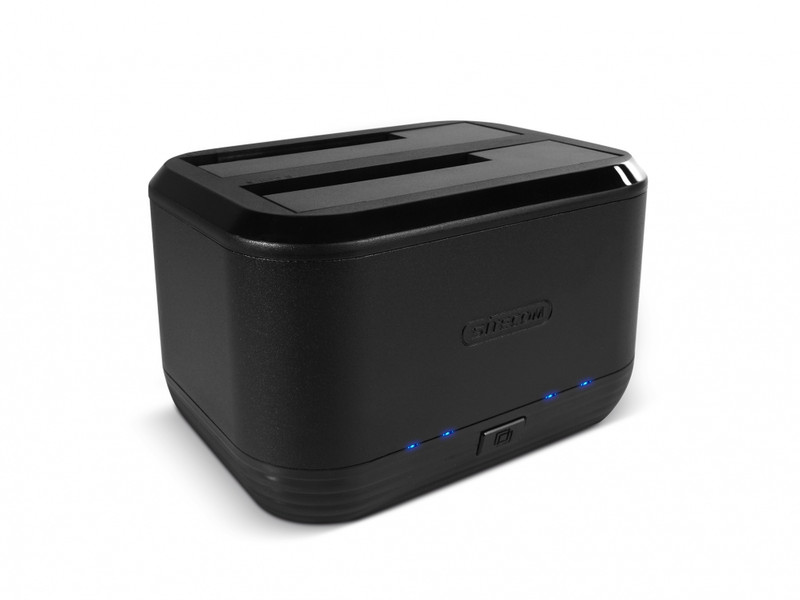
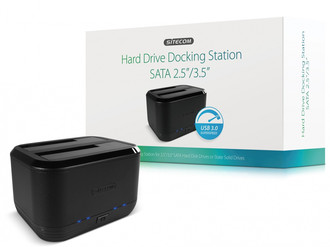
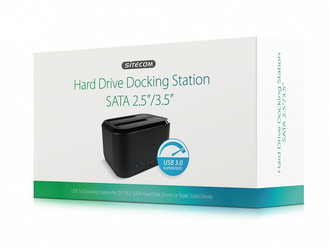
MD-394 USB 3.0 Hard Drive Docking Station SATA 2.5"/3.5"
<b>USB 3.0 docking station for 2.5” / 3.5” SATA hard drives</b>
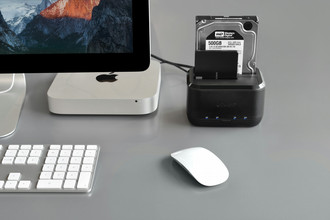
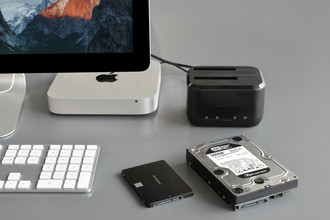
The MD-394 USB 3.0 HDD/SSD Docking Station SATA 2.5”/3.5” from Sitecom lets you read & write 2.5” and 3.5” SATA hard drives. It is compatible with Hard Disk Drives (HDD) and Solid-State Drives (SSD) and lets you extend the storage capacity of your Chromebook, Ultrabook, MacBook or regular notebook easily. The docking station can also be used to clone hard drives with the push of a button. Simply insert the hard drive with your data in one slot and an empty hard drive of equal or bigger size into the other slot and have your data duplicated automatically.
The MD-394 USB 3.0 HDD/SSD Docking Station SATA 2.5”/3.5” supports SuperSpeed USB 3.0 transfer rates of up 5 Gbps and lets you transfer and copy files 10 times faster than with Hi-Speed USB 2.0, ideal for transferring large files such as HD movies.
The MD-394 USB 3.0 HDD/SSD Docking Station SATA 2.5”/3.5” is backward compatible with USB 2.0 and USB 1.1 and is fully Plug & Play out of the box. Simply connect the docking station with the included USB 3.0 cable to a free USB 3.0 port of your computer, no drivers needed. The docking station is compatible with all operating systems.
The MD-394 USB 3.0 HDD/SSD Docking Station SATA 2.5”/3.5” comes with the extensive 10-year Sitecom warranty. Simply activate the long-term warranty by registering your product within 3 weeks of purchase.

