Ports & interfaces
| Host interface |
ExpressCard (34mm) |
| Internal |
Y |
Networking
| Ethernet LAN data rates |
10, 100, 1000 Mbit/s |
Performance
| Mac operating systems supported |
Mac OS X 10.6 Snow Leopard, Mac OS X 10.7 Lion, Mac OS X 10.8 Mountain Lion, Mac OS X 10.9 Mavericks |
| Auto MDIX IEEE |
Y |
| Wake-on-LAN ready |
Y |
Additionally
| Wireless technologies |
Wired |
| Ethernet LAN connection |
Y |
| Transfer rate (Mbps) |
1000 Mbit/s |
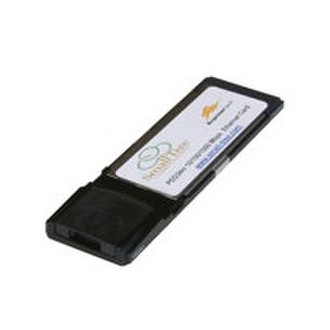
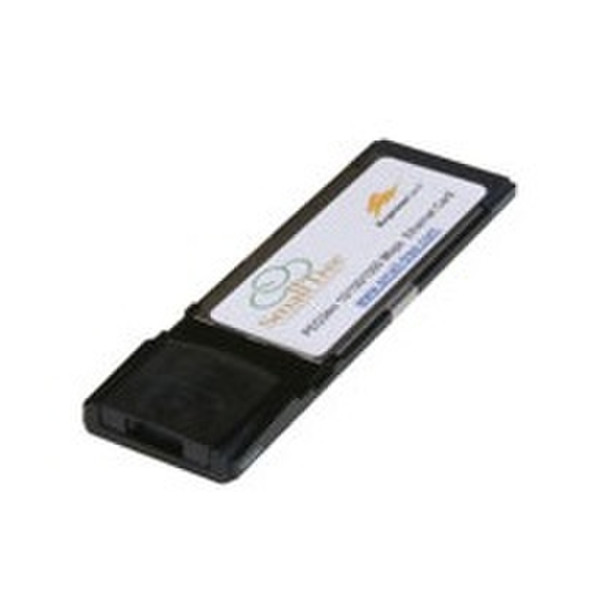
Expresscard34 GbE Single Port Copper Gigabit Ethernet Laptop Adapter
The PEG34m is a 10/100/1000M Ethernet ExpressCard, which is specifically designed to plug into a MacBook Pro (or other Windows desktop or laptop) equipped with an ExpressCard 34mm slot. The PEG34m provides throughput and connectivity at gigabit speeds up to 1000 Mbps (1Gbps) raw bandwidth - that is 100 times faster than the original Ethernet, yet is compatible with existing Ethernets. It works in conjunction with the built-in Gigabit Ethernet port and supports 802.3ad link aggregation and Jumbo frames up to 9000MTU.
Some practical reasons to buy the PEG34m ExpressCard are:
- You need to have a second fully functional Gigabit network for your laptop for file transfer/sharing mechanisms (e.g. iSCSI or ATA over Ethernet) that supports Jumbo frames.
- You need to have a backup in case your built-in port goes dead there are situations where you need a separate laptop-to-laptop connection for demos and don't have switch ports available.
- You need to have your physical Ethernet cable connection plugged into the left hand side of your MacBook Pro.
- You want to use link aggregation on your MacBook Pro it is an inexpensive investment for the above benefits!
With the innovative design of the foldable connector, the PEG34m comes with an ultra slim RJ-45 port that is only half the height of regular RJ-45 connectors, making it the thinnest ExpressCard on the market to date. It's easy and convenient to carry in your pocket, or simply to store away when not in use. The PEG34m enables you to connect your MacBook Pro via an available ExpressCard slot, as well as your Ethernet and Gigabit network. Within seconds, you are networked in no time at all. The PEG34m also features low power-consuming device which draws power from the ExpressCard slot directly, thus no external power supply is required.