System requirements
| Mac operating systems supported |
Y |
Other features
| Compliance industry standards |
OHCI, EHCI, xHCI |
| Mac compatibility |
Y |
Ports & interfaces
| Host interface |
PCIe |
| Internal |
Y |
| USB 3.0 (3.1 Gen 1) Type-A ports quantity |
2 |
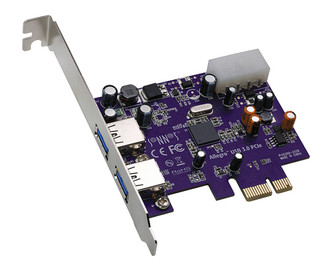
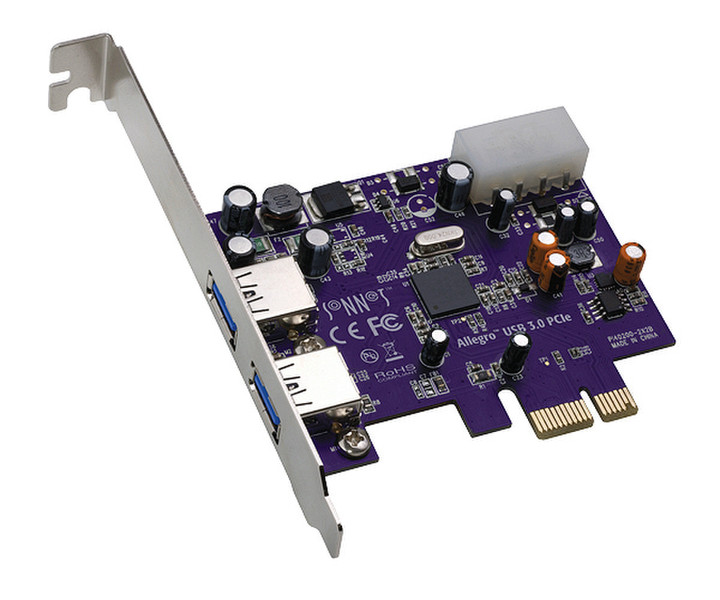
USB3M-E, Allegro USB 3.0 PCIe
<b>Key Benefits</b>
- Simple way to add two SuperSpeed USB 3.0 ports to a Mac Pro or desktop PC with PCI Express 2.0 slots
- Transfers data up to 10x faster than over USB 2.0 connections
- Support hot-swappable device connection—plug in and disconnect peripherals without shutting off your computer
- Powered ports support bus-powered drives
<b>Add SuperSpeed USB Connections to Your Mac Pro or Desktop PC</b>
USB 3.0 Ports IllustrationYour computer has USB 2.0 ports, and they’ve served you well. Talk about compatibility—keyboards, mice, printers, scanners, joysticks, digital cameras, flash drives—what couldn’t you plug in? Talk about performance—well, that’s where USB ports 2.0 are merely passable—they limit data transfer speeds to around 25–30 MB/s. For most peripherals, that’s perfectly adequate, but when you connect an external drive and expect great performance, that bottleneck is a problem—video editing, backing up, and other data-intensive activities suffer as a result. Enter Sonnet’s Allegro™ USB 3.0 PCIe, the bottleneck breaker! This Sonnet host controller is based on the new USB 3.0 standard that offers up to 10x the performance of the decade-old USB 2.0 interface. A single hard drive with a USB 3.0 interface is capable of transferring data at up to 125 MB/s, while SSDs (solid state drives) are capable of even faster transfers—install an Allegro USB 3.0 PCIe card into your computer to exploit the full performance potential of these fast drives.