Ports & interfaces
| Host interface |
USB 2.0 |
| Microphone in |
N |
Additionally
| Ethernet LAN connection |
N |
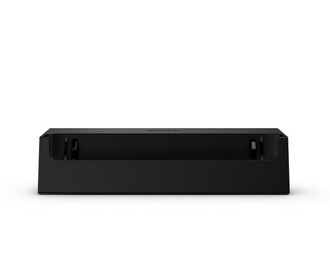
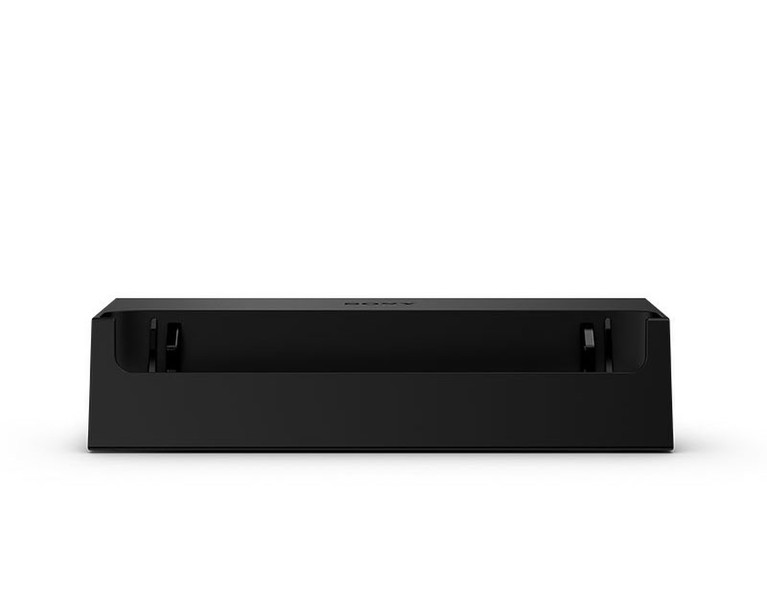
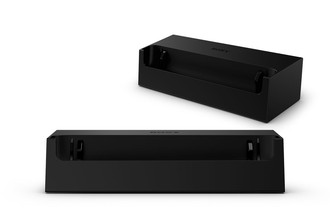
DK28 Charging Dock for Xperia ZR
<b>Dedicated charging</b>
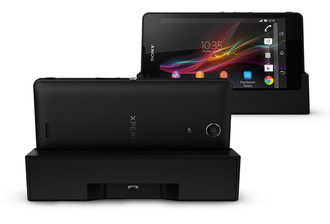
Arriving home, make a habit of placing your Xperia ZR in this dedicated charging dock. It’s easier than connecting a cable and your phone is always powered up when you need it. You can place your Xperia ZR in the dock without opening the micro USB protective cover.
Note: Charging connectors and phone must be dry before connecting.
<b>Multitask</b>
While your phone is charging, you can still check and write messages, browse content and utilise your Xperia ZR. The charging dock stays put and the viewing angle is comfortable.
<b>Smart Connect enabled</b>
With Smart Connect, you can pre-configure your Xperia ZR to initiate functions and open apps on connection (for example, clock/alarm, music player, Wi-Fi).
Note: Smart Connect is an Android app available for download at Google Play.

