Other features
| Supported data transfer rates |
10/100 Mbps |
Ports & interfaces
| Interface |
USB 2.0, Ethernet |
Packaging content
| Handheld remote control |
Y |
Networking
| Networking features |
Ethernet, Fast Ethernet |
Additionally
| Wireless technologies |
Wired |
LAN Media Center
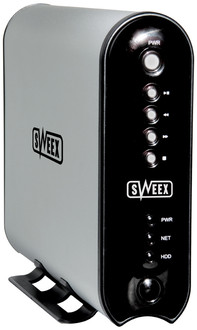
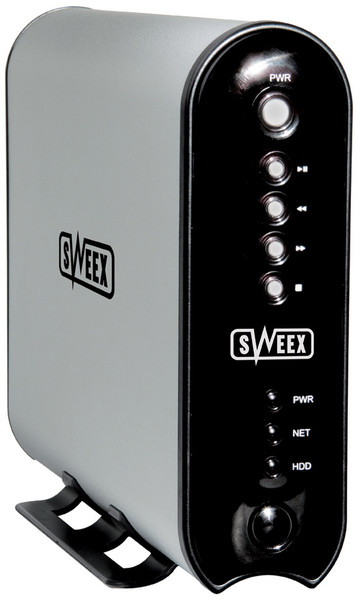
One device, which can be connected to a TV as well as a computer and lets you enjoy your favourite films, music and digital photographs. That in a nutshell is what the Sweex Media Center with LAN is all about. When you connect a media centre to your TV, the product uses the internal Media Player. If you want to view the contents via a computer, you can use Windows Media Player.
All media files on your computer can be easily transferred to the Media Center. This version comes without a 3.5” hard disk, so you yourself are able to determine the capacity of the hard disk you want to install. As a result, the number of hours of media entertainment can be entirely attuned to your own wishes.
It is easy to install the Sweex Media Center with LAN in a network, thanks to the device’s UTP connection. Connect the media centre to a network and you can start playing the media files of other network computers on your television.
This device is also perfect for playing stored music on your stereo. In this case, your television is used as a display. The supplied remote control enables you to control the device from a distance.

