Wireless LAN features
| Wi-Fi standards |
IEEE 802.11n, IEEE 802.11g, IEEE 802.11b, IEEE 802.11ac, IEEE 802.11a |
| Wi-Fi |
Y |
| Bandwidth (first) |
2.4 GHz |
| Bandwidth (second) |
5 GHz |
| Wi-Fi band |
Dual-band (2.4 GHz / 5 GHz) |
| Top Wi-Fi standard |
IEEE 802.11ac |
Antenna
| Detachable antenna(s) |
Y |
| Antennas quantity |
2 |
| Antenna type |
External |
| Antenna |
Y |
| Gain |
4 dBi |
Ports & interfaces
| USB version |
3.0 (3.1 Gen 1) |
| Host interface |
Micro-USB |
| Internal |
N |
Packaging content
| Quick installation guide |
Y |
Performance
| Mac operating systems supported |
Mac OS X 10.10 Yosemite, Mac OS X 10.6 Snow Leopard, Mac OS X 10.7 Lion, Mac OS X 10.8 Mountain Lion, Mac OS X 10.9 Mavericks |
Additionally
| Wireless technologies |
Wireless |
| Transfer rate (Mbps) |
1167 Mbit/s |
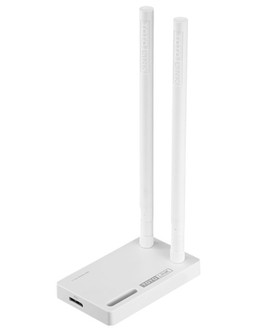
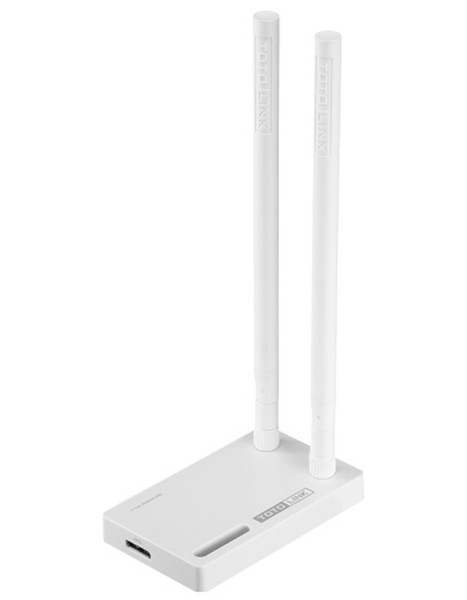
WLAN 802.11ac/a/b/g/n, MicroUSB 3.0, 2.4GHz/5GHz, up to 1167Mbps, 2x 4dBi Detachable Antenna, WPS Button
A2000UA is a Wireless AC Dual Band USB Adapter which can deliver wireless speed up to 1167Mbps, three times faster than 802.11n standard. Equipped with two detachable high gain antennas, A2000UA allows you to make a reliable connection to wireless routers. Meanwhile, one USB 3.0 extension cable can provide higher data rate than USB 2.0 and make A2000UA applicable for all laptops and desktops.
<b>Next Generation AC Technology</b>
A2000UA complies with the next generation 802.11ac wireless technology, which offers amazing data transfer rate and ensure better internet experience, such as downloading, gaming, video streaming etc.
<b>2* 5dBi Antennas for Stable Connection</b>
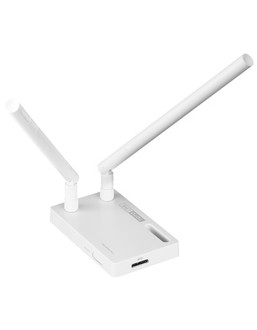
With two detachable 5dBi antennas and dual band supported. A2000UA provides more stable Wi-Fi connection and wider coverage.
<b>Powerful USB3.0 Technology</b>
The Micro USB 3.0 port and USB 3.0 extension cable delivers data tranfer speed 10x faster than USB 2.0 and less power consumption.
<b>One Click WPS Connection</b>
To simplify WiFi connection to a wireless AP/Router, A2000UA provides a WPS button for one click easy secured Wi-Fi connection setup.