Scanning
| Film scanning |
N |
| Flatbed scan speed (b/w, A4) |
10 sec/page |
| Input colour depth |
24 bit |
Ports & interfaces
| Standard interfaces |
USB 2.0 |
System requirements
| Mac compatibility |
N |
| Minimum hard disk space |
350 MB |
| Minimum RAM |
512 MB |
| Minimum processor |
Pentium IV |
Performance
| Scan file formats |
DOC, JPG, PDF, TIFF, XLS |
Additionally
| Scan type |
Sheet-fed scanner |
| Colour scanning |
Y |
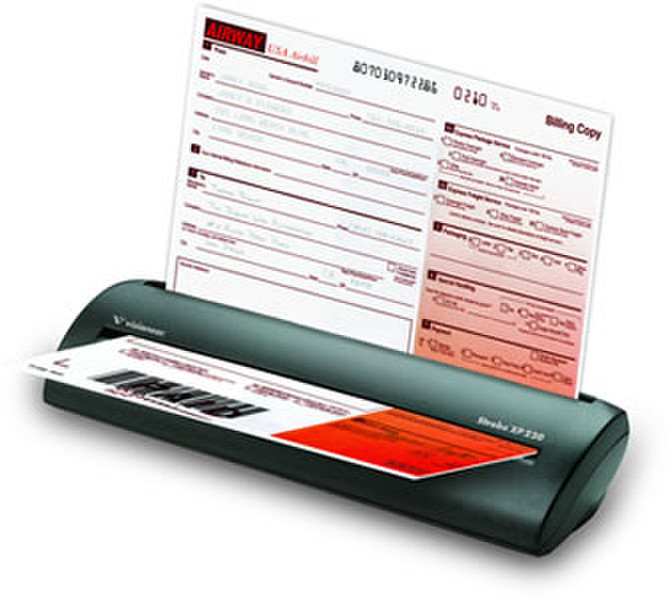
Strobe XP 220, The Compact Business Scanner with Kofax VRS Technology
OneTouch Preset Scanning
OneTouch presets the most popular scanning destinations (such as Word, email, your printer, or a file folder) so that by simply inserting a document into the Strobe XP220, AutoLaunch begins the scanning process without launching any other software. Now you can scan documents when it’s convenient and at the moment you think of it.
AutoLaunch
Patented AutoLaunch technology detects when paper is inserted and starts the scanning process instantly. When used in conjunction with OneTouch, AutoLaunch routes the completed scan to the destination application, folder or device of your choice.
Powerful Software Bundle
The Strobe XP220 includes a powerhouse of bundled software including Nuance PaperPort, Nuance OmniPage Pro, Visioneer OneTouch with Kofax VRS technology, and ArcSoft PhotoImpression, plus a TWAIN and WIA driver to assure compatibility with hundreds of applications.
Scan to PDF
PDF has become the most popular file formats into which documents are scanned. It’s no wonder that the Strobe XP220 gives you many PDF scanning options such as image-only PDF and text searchable PDF. Text-searchable PDF is a powerful solution that allows searching your scanned documents by their text content, not just relying on filename or folder location. This presents a significant step forward in managing paper at your desk. Of course you can also scan into many other file formats such as TIFF, JPG, HTML, DOC, XLS.