Pen
| Wireless pen |
Y |
| Pressure levels |
8192 |
| Pen included |
Y |
Technical details
| Widescreen/Standard modes switching |
Y |
| Interface |
USB Type C, Display Port |
| Tilt angle |
-32 - 32 ° |
Tablet
| Resolution |
5080 lpi |
| Tablet input type |
Pen, Touch |
| Working area |
345 x 194 mm |
| Diagonal |
15.6 " |
System requirements
| Mac compatibility |
Y |
| Mac operating systems supported |
Y |
Power
| Input frequency |
50/60 Hz |
| Input voltage |
100 - 240 V |
Packaging content
| Pen holder |
Y |
| Quick start guide |
Y |
Additionally
| Wireless technologies |
Wired |
39.624 cm (15.6 ") IPS UHD, 176°/176°, 250 cd/m2, 25ms, USB-C, DisplayPort, 410 x 265 x 17.5 mm, 1.5 kg
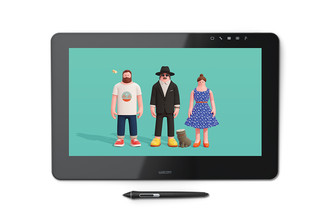
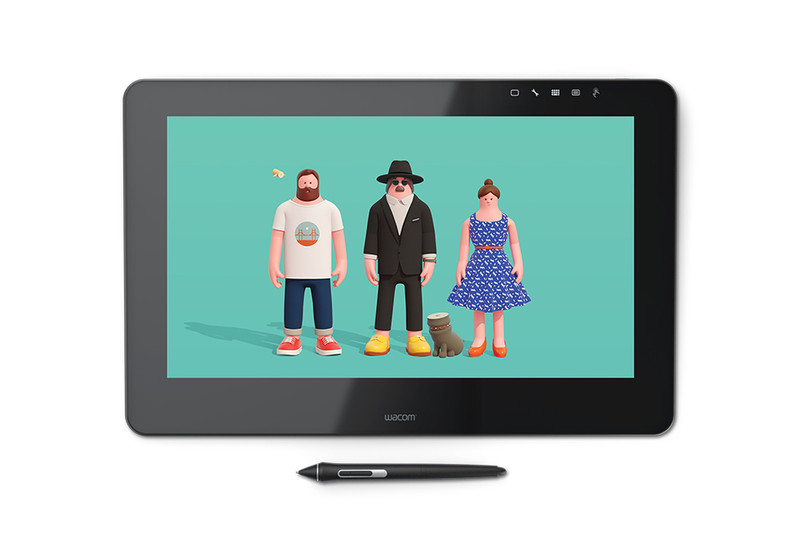
NEW Wacom Cintiq Pro 16"
Create directly on screen with our most natural pen experience ever
Wacom Cintiq Pro 16 offers our latest Wacom Pro Pen 2 and screen technology – and more space to connect to your work. Whether you work on Mac or PC, Wacom Cintiq Pro is our most advanced creative pen display, built for professional artists and designers.
New Wacom Pro Pen 2:
natural and precise
Our new Wacom Pro Pen 2 will instantly become your favorite creative tool. It’s more sensitive, more accurate and more responsive than any pen we’ve ever made.
A resolution revolution
Your work is made to be seen. With stunning 4K resolution (3840x2160) and superb color accuracy (94% of Adobe® RGB), you won’t be able to take your eyes off it.
The 16-inch screen gives you the broad canvas you need to add those little flourishes; while the anti-glare, etched-glass surface means you can create in comfort – with the familiar feel of pen on paper – until you’re 100% happy with the results. With plenty of space for your work and all the on-screen controls and tools you need, it’s perfect for creating anything you can imagine.
Connect your way
Connect to any Mac or PC with a single USB-C cable (included) to a USB-C port for both video and data. Or use the included Wacom Link adaptor to connect to a mini DisplayPort (video) and standard USB port (data).
Make it match you
Customizable ExpressKeys™ and Radial menu's mean that Wacom Cintiq Pro can be quickly configured to fit seamlessly into your workflow.
Navigate with a swipe
Pan, zoom or rotate your work with multi-touch gestures - as simple as using your smartphone
Delight in every detail
If you’re passionate about sweating the small stuff, Wacom Cintiq Pro 16 is the device for you. Its larger, high-definition display gives you the ability to hone in on every detail, making it perfect for painting, retouching and page layout.
3840 x 2160px - Adobe® RGB 94% - Wacom Pro Pen 2 technology
Wacom ExpressKey™
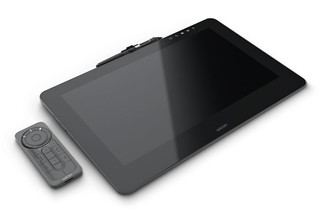
Wacom ExpressKey™ Remote’s set of 17 customizable buttons and Touch Ring put precious time-saving shortcuts at your fingertips.
Wacom Stand
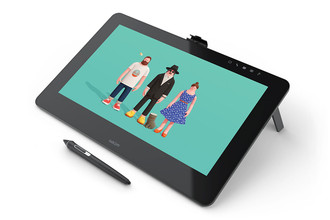
The new Mobile Stand holds the Cintiq Pro at three different drawing angles, so you’ll always find a comfortable working position. When you’re ready to move on, it folds flat for easy transport.
Wacom Color Manager
Wacom Color Manager is designed to give you precision color calibration, better image quality and improved uniformity in one easy-to-use device that calibrates everything in your workflow.