Pen
| Wireless pen |
Y |
| Report rate (pen) |
133 pps |
| Pen included |
Y |
System requirements
| Mac compatibility |
Y |
| USB required |
Y |
| Optical drive required |
Y |
Tablet
| Working area |
216 x 135 mm |
| Tablet input type |
Pen |
| Resolution |
2540 lpi |
| Maximum reading height |
135 mm |
| Number of hot keys |
4 |
| Number of programmable keys |
4 |
Packaging content
| Pen holder |
Y |
| Quick start guide |
Y |
| Drivers included |
Y |
Additionally
| Wireless technologies |
Wired |
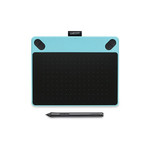
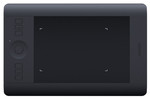
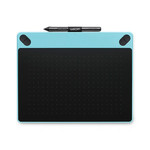
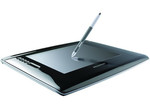
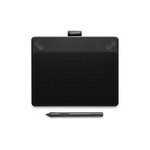
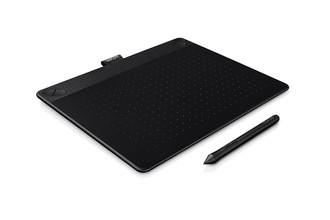
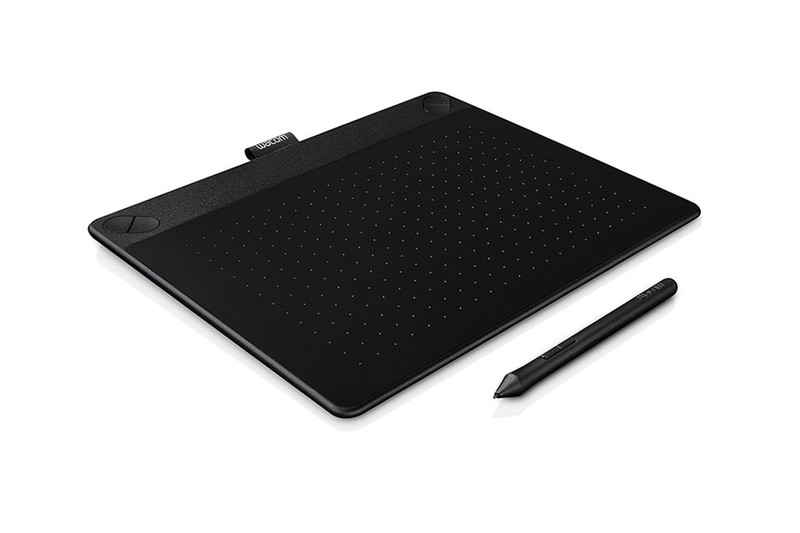
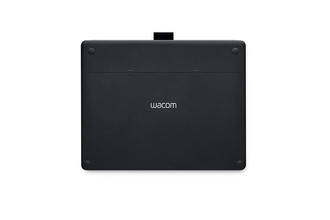
2540lpi, 133pps, USB, 275x217.2x10.7mm, Black
Let Your Ideas Take Shape with Intuos 3D
Ready to create 3D art? Intuos 3D has everything you need to get started. It’s simple to learn, yet powerful enough to capture your imagination. Intuos 3D lets your ideas take shape.
Use the pressure-sensitive Intuos pen and user-friendly ZBrushCore® software to digitally sculpt and paint your 3D model from a template or object. Use touch gestures while you work. Then share it, use it in other creative applications or 3D print it. There are online tutorials and videos to inspire and instruct. The ExpressKeys™ have time-saving shortcuts designed for 3D modeling. It’s never been so easy to create in 3D.
Everything You Need In One Creative Box
Whatever you envision, Intuos 3D can take you there. Find everything you need to create 3D art in one package. Each Wacom quality Intuos 3D pen tablet includes downloadable ZBrushCore® 3D software and online tutorials. With one purchase, you can create 3D art from start to finish.
Give Your Artwork Another Dimension
Try something new with Intuos 3D. See your ideas in a different way. It’s easy to get started and almost impossible to stop.
Features
- Multi-touch surface
- Wacom Pen Technology
- Wireless capabilities
What's Inside
- Intuos pen and touch tablet
- Battery-free, pressure-sensitive pen
- USB cable
- Replacement pen nibs
- ZBrushCore® software download instructions and code
- Quick start guide
- Installation CD