Technical details
| Number of print heads |
1 |
| Maximum build size (WxDxH) |
150 x 150 x 150 mm |
| Layer thickness (max) |
0.4 mm |
| Model file formats supported |
stl, xyz |
| Filament thickness supported |
1.75 mm |
| Layer thickness (min) |
0.1 mm |
| Nozzle width |
0.4 mm |
System requirements
| Mac operating systems supported |
Mac OS X 10.10 Yosemite, Mac OS X 10.11 El Capitan, Mac OS X 10.8 Mountain Lion, Mac OS X 10.9 Mavericks |
| Minimum RAM |
4 GB |
Ports & interfaces
| Card reader integrated |
N |
| USB version |
2.0 |
| USB port |
Y |
| Wi-Fi |
Y |
Design
| Built-in display |
N |
| Viewing window |
N |
Additionally
| Ethernet LAN connection |
N |
FFF Technology, 15x15x15cm, 0.1-0.4mm, USB 2.0, WiFi
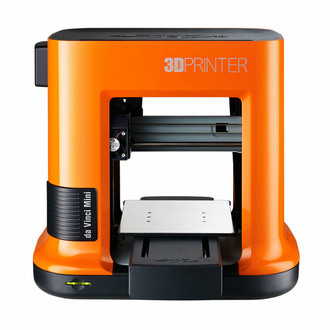
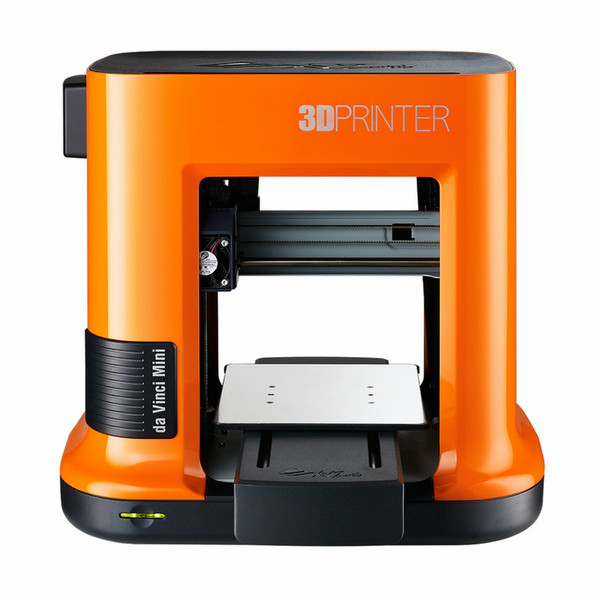
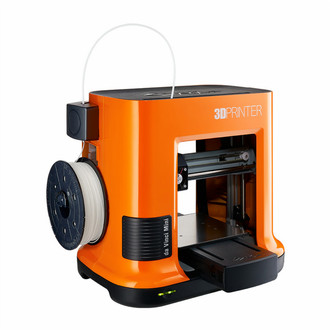
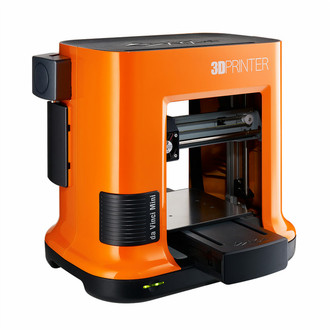
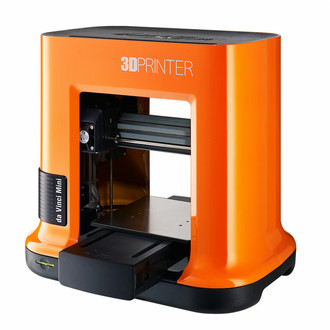
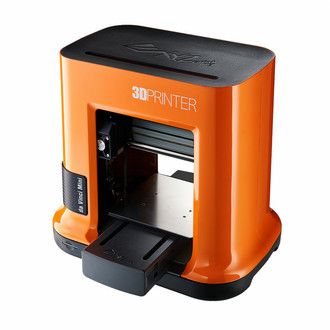
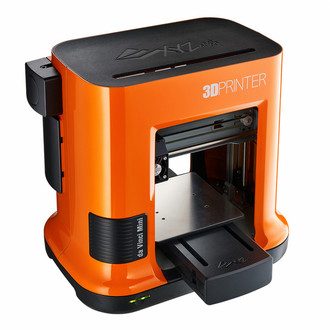
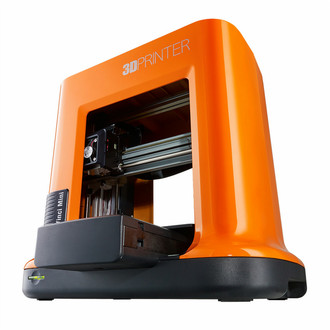
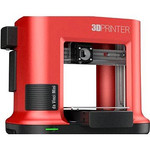
Introducing our most affordable and compact 3D printer to date, the da Vinci Mini promises to bring the Maker Revolution to the masses. Perfect for hobbyists and use around the home, it’s sure to become a firm family favourite!
All the punch without the size
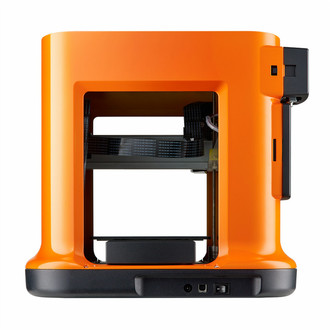
Thirty per cent smaller and lighter than the da Vinci Junior range, the da Vinci Mini is portable and modest, sitting comfortably in the corner of your desk while retaining the same build size at 5.9” x 5.9” x 5.9” and the same print quality as its predecessors.
The da Vinci Mini also comes with an optional protective case to ensure the printing area is safe for small hands.
Easy as 1, 2, 3
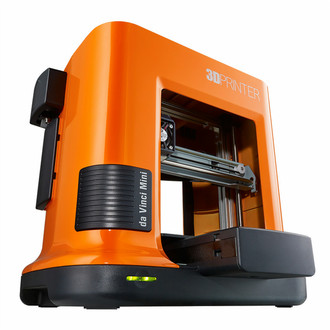
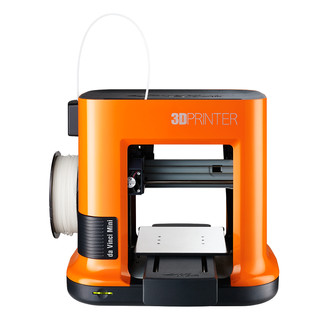
With a simplified interface, the da Vinci Mini starts printing from just the push of a button. You can monitor your print’s progression through an LED traffic light system, with red signalling an error, orange a pause or resumption, and green
showing a project is ready to go or complete.
As with the rest of XYZprinting’s da Vinci range, the Mini also comes calibrated and automatically adjusts during prints.
Stay connected
There’s no need to fiddle around with wires and cables to print – the da Vinci Mini has integrated Wi-Fi capabilities, allowing you to send designs straight from your device or even the XYZprinting app.