Storage
| Number of storage drives supported |
1 |
Ports & interfaces
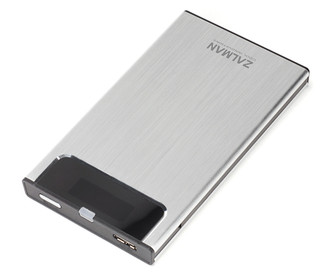
| USB 3.0 (3.1 Gen 1) ports quantity |
1 |
2.5” USB 3.0 External HDD Case
- One Touch Backup : After installing the bundled software, press once the Backup Button on top. Then, the Backup process will automatically copy files to the folder you have selected.
- Safety Removal Button : Pressing the Backup Button for more than 3 seconds will automatically turn off the power. Then, you can safely remove the external hard drive without damaging the data.
- Built-in High-Intensity Blue LED on the front of case provides cool aesthetics and allows easy viewing of the power On/Off status and the operational status of the connected port.
- A screw driver is provided for convenient case disassembly and HDD installation.
<b>In the box</b>
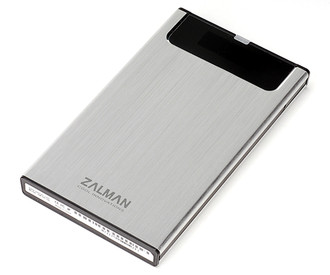
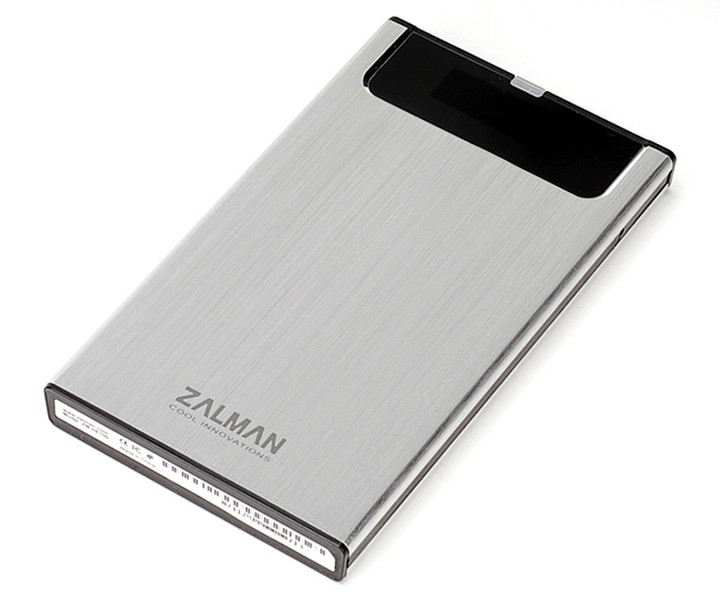
- HDD Case
- HDD Mounting Bolts & Screw Driver
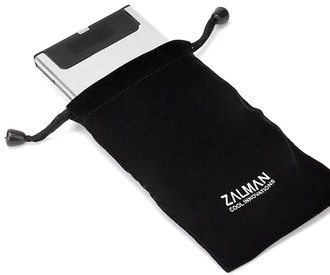
- Travel Pouch
- USB 3.0 Cable
- Install CD
- User`s Manual

