Design
| Maximum graphics card length |
507 mm |
| Suitable for |
Gaming |
| Number of external 5.25" bays |
4 |
| Maximum CPU cooler height |
120 mm |
| Side window |
Y |
| Form factor |
Ultra Tower |
| Type |
PC |
| Number of 5.25" bays |
4 |
| Number of expansion slots |
9 |
Cooling
| Front radiator fan sizes supported |
140, 120 mm |
| Front fans installed |
1x 200 mm |
| Top radiator fan sizes supported |
140, 120 mm |
| Liquid cooling capability |
Y |
| Top fans installed |
1x 120 mm |
| Rear fans diameters supported |
120, 140 mm |
| Rear fans installed |
1x 140 mm |
Ports & interfaces
| USB 3.0 (3.1 Gen 1) Type-A ports quantity |
2 |
Power supply
| Power supply location |
Bottom |
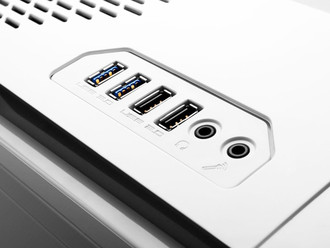
Ultra Tower, ATX, Micro-ATX, XL-ATX, EATX, 1 x Audio/Mic, 2 x USB 2.0, 2 x USB 3.0
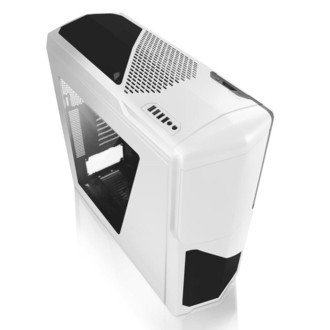
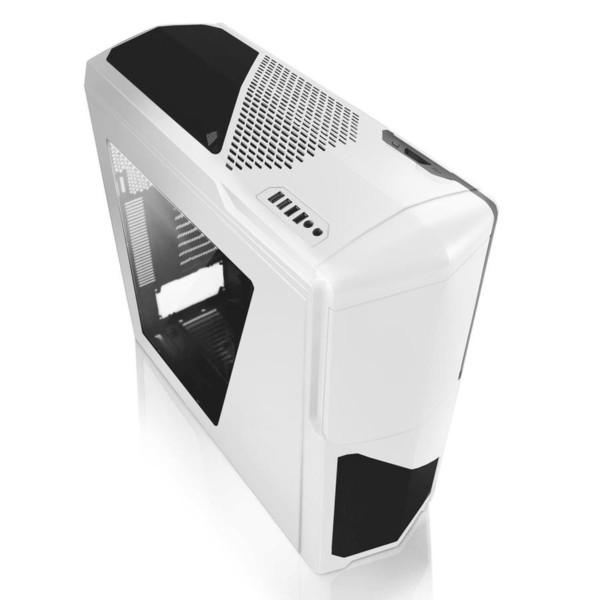
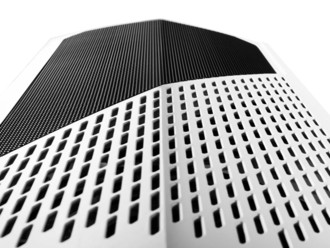
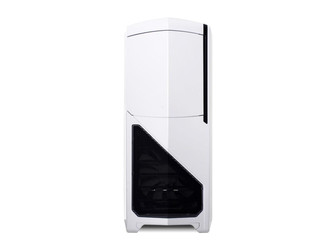
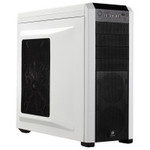
- Next generation Phantom design, both inside and out.
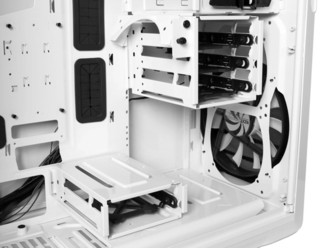
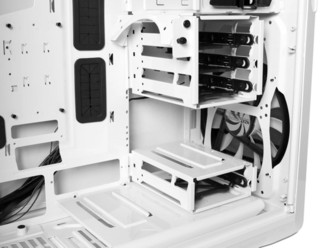
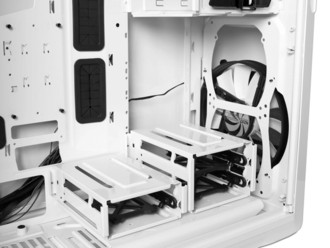
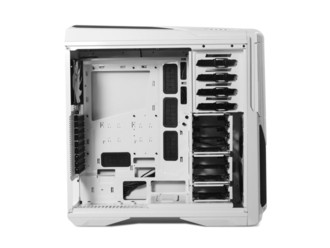
- Fully modular internal drive bays allows you to customize the Phantom 630’s layout to suite your needs.
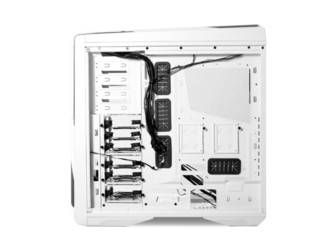
- Split-level motherboard tray allowing increased rear cable management.
- Dual SSD mounts behind the motherboard tray High-end water cooling support allows use of multiple radiators and multiple radiator sizes.
- Integrated high-power 30-watt single-channel fan controller.
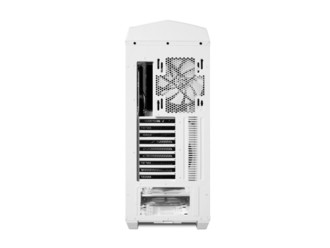
- Rear-mounted fan hub for simple and clean fan control installation.
- Easily removable dust filters protect your components Illuminates rear I/O ports internal components with a flick of a switch.
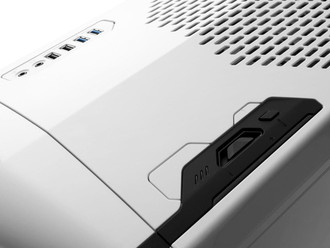
- Full external peripheral support with multiple USB 3.0, 2.0 connections and an integrated SD card reader.
<b>OUR MOST ADVANCED CHASSIS YET</b>
The Phantom 630 features a revolutionary chassis taking bold innovation to the next level.
<b>FULLY MODULAR BAYS</b>
Engineered to satisfy your enthusiast desires, the Phantom 630 features fully modular internal drive bays that can be reorganized to your heart’s content.
<b>FULLY FILTERED</b>
Easily removable dust filters make it easy to keep components clean.
<b>LIQUID COOLING READY</b>
High-end water cooling support allows you to install radiators up to 360mm in size in multiple locations.
<b>SSD MOUNTS</b>
Dual SSD mounts are located behind the motherboard tray keep your PC clear of cable clutter.