Ports & interfaces
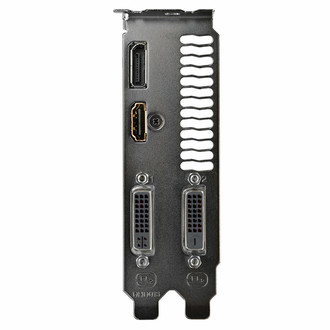
| Interface type |
PCI Express 3.0 |
| HDMI ports quantity |
1 |
| DVI-I ports quantity |
1 |
| DVI-D ports quantity |
1 |
| DisplayPorts quantity |
1 |
Memory
| Discrete graphics adapter memory |
4 GB |
| Memory clock speed |
7010 MHz |
| Graphics adapter memory type |
GDDR5 |
| Memory bus |
128 bit |
Processor
| Maximum analog resolution |
2048 x 1536 pixels |
| Processor frequency |
1216 MHz |
| Processor boost clock speed |
1279 MHz |
| Maximum digital resolution |
4096 x 2160 pixels |
| Graphics processor family |
NVIDIA |
Design
| Form factor |
ATX |
| Cooling type |
Active |
Performance
| Full HD |
Y |
| TV tuner integrated |
N |
| PhysX |
N |
| DirectX version |
12.0 |
| OpenGL version |
4.4 |
Power
| Minimum system power supply |
400 W |
| Supplementary power connectors |
1x 6-pin |
Additionally
| Dual-link DVI |
Y |
| Graphics controller |
GeForce GTX 960 |
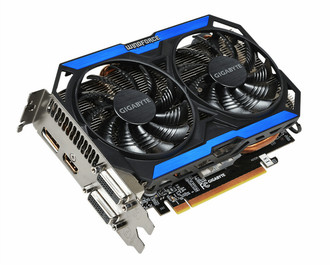
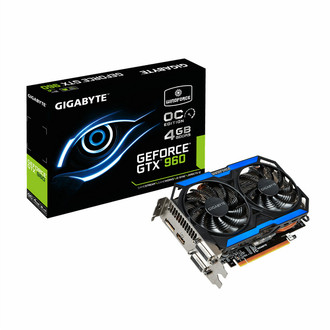
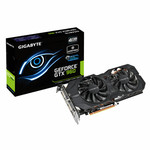
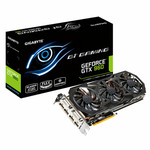
GeForce GTX 960, 4 GB GDDR5, 128 bit, PCI-E 3.0, DVI-I, DVI-D, HDMI, Display Port
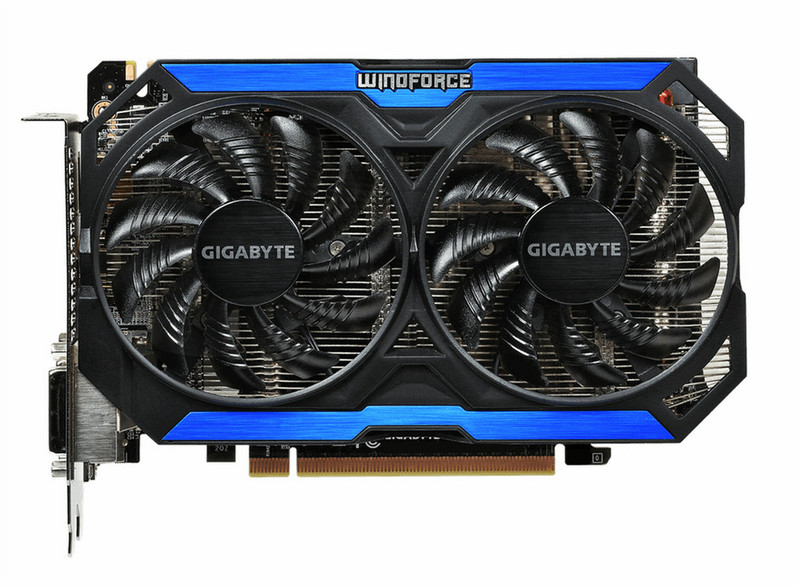
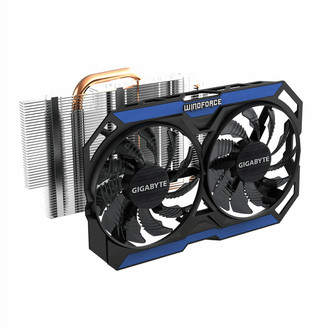
<b>WINDFORCE 2X cooling system</b>
GIGABYTE introduces WINDFORCE, the latest cooling technology that differentiates the brand’s graphics cards from the rest. GIGABYTE understands that a fan is crucial to the graphics card, so only the fan with the most efficiency is selected for WINDFORCE.
<b>Unique Blade Fan Design</b>
The airflow is spilt through the triangle design at the fan edge, and is guided smoothly through the fan by special 3D stripe curve design. At the same time, it effectively enhanced the cooling capacity while reducing air turbulence.
<b>Heat Pipe Direct Touch</b>
Equipped with pure copper heat pipe direct touch (HDT) technology, delivering superior cooling capacity and heat transfer efficiency at an extremely low noise level.
<b>Flex Display technology</b>
GIGABYTE Flex display technology(patent-pending) can automatically detect any connected monitors and achieve multi-display gaming up to 4 monitors at the same time by using various output groups. Users could enjoy the best gaming experience in ultra HD resolution with extended flexibility in arranging monitor configurations and making future system upgrade extremely easy.
<b>OC GURU ll</b>
Brand-new intuitive user interface helps you easily modify important settings and directly update driver and BIOS. Clock speeds, voltage, fan performance, and OSD setting can be monitored and tuned in real-time according to your own preference.